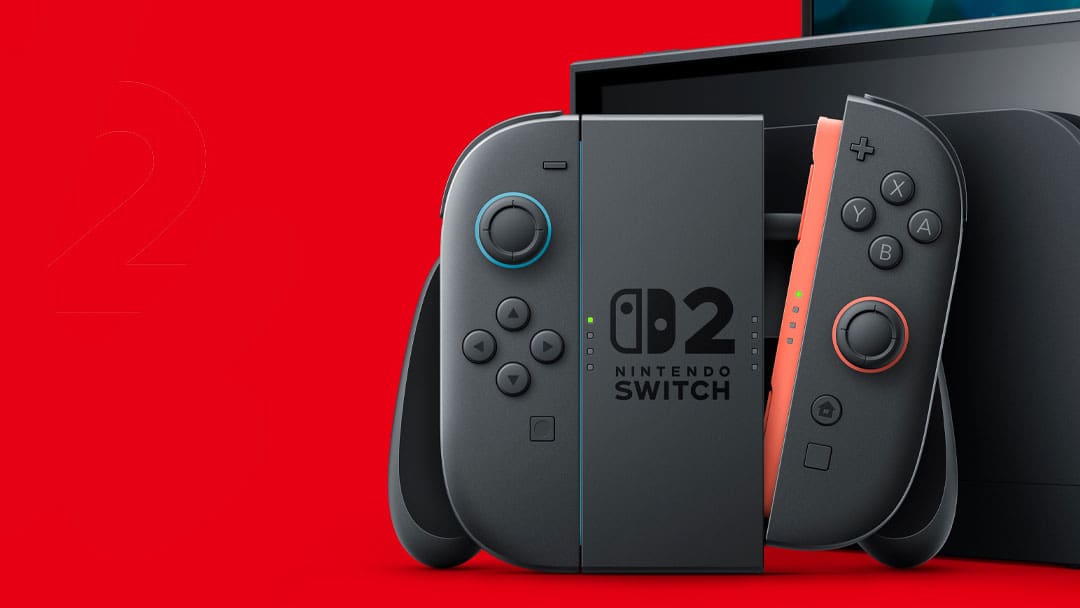
The latest Nintendo Switch 2 update has added a big update to the console, particularly for those who mostly play in handheld mode.
In the latest firmware update for Version 22.0.0, an option titled ‘Handled Mode Boost’ has been added. If you toggle this on, it will allow games to run as if it’s in TV Mode. The major difference here will vary depending on the game, but primarily, this could see games running at higher frame rates and unlocking some improved visual fidelity. The downside will be that the touchscreen won’t work, because it thinks it’s in docked mode, and the battery life will be sucked faster.
Scanning through some Reddit threads, users report overall improvements in the majority of games.
Full details on how to use ‘Handheld Boost Mode’ as posted on the Nintendo website:
Information
When enabled, Handheld Mode Boost causes the performance of Nintendo Switch software while undocked to run as if it were being played in TV mode.
Complete these steps
- Select System Settings on the HOME Menu.
- Scroll down through the System Settings menu and select System.
- Scroll down on the right and select Nintendo Switch Software Handling.
- Select Handheld Mode Boost to enable or disable this setting.
Additional information
- While enabling this setting can result in improved visuals, it may also increase the system’s power consumption.
- The effect of Handheld Mode Boost will vary based on the software. Some Nintendo Switch software will be unaffected, and this option has no effect on software for Nintendo Switch 2.
- Because this option forces TV mode operation, some instructions may be incorrect or fail to operate correctly.
- Handheld Mode Boost may prevent Nintendo Switch software from using the system’s touch screen, and will cause attached Joy-Con 2 controllers to be treated as a Nintendo Switch 2 Pro Controller.
- To use other controllers, first detach the Joy-Con 2 controllers from the console.