

Price: $1,215 USD + import tax
AYA Store — Amazon
Estimated Time With Gear: 12 months
What Is It? Handheld gaming PC
Manufacturer: AYA NEO
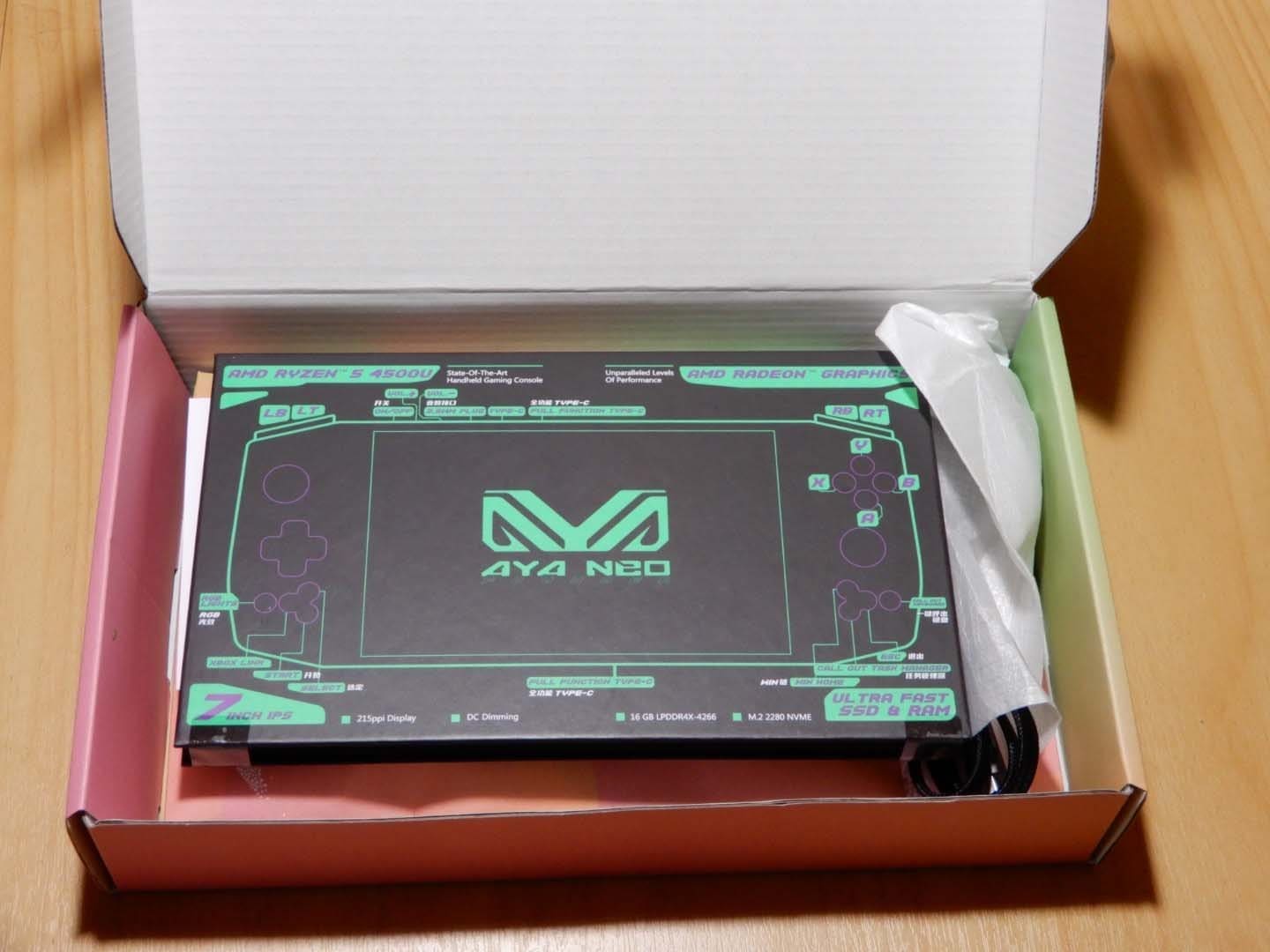
I discovered the AYA NEO handheld on Kickstarter and, after some hesitation, decided to back it. The project ran long and changed hands to a new CEO along the way, but I eventually upgraded to the Pro model and have been using it for about a year.
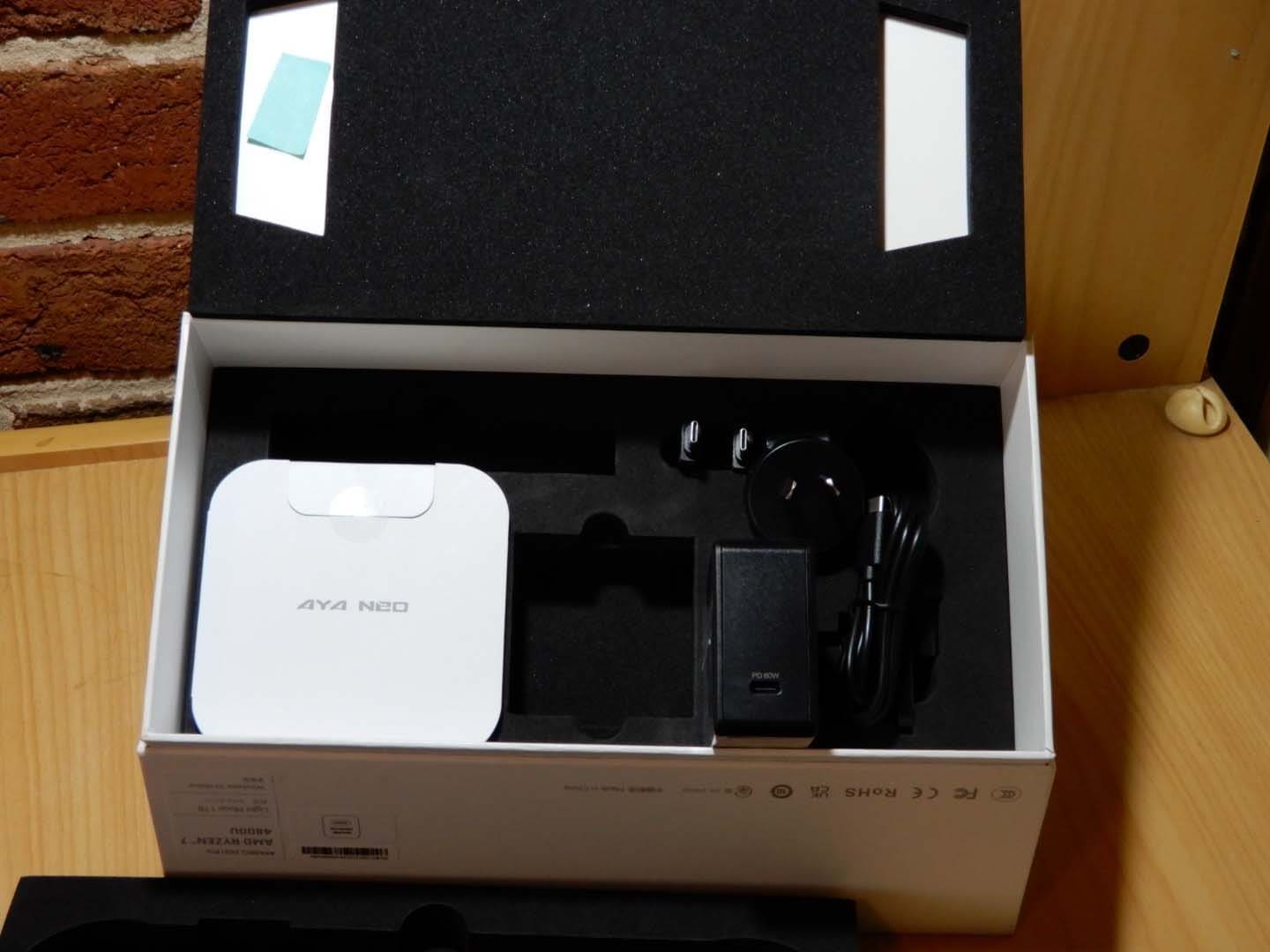
Out of the box, it’s an interesting Windows handheld—slightly larger and a touch heavier than a Nintendo Switch. Setup was straightforward: Windows 10 comes pre-installed, and using the included USB-C to A adapters I plugged in a spare mouse and keyboard to breeze through first-run configuration. After updating drivers and installing my launchers, I was playing games from Steam and Epic with minimal tinkering. When I did need help, the AYA NEO Discord community was invaluable. AYA also released its own software, AYA Space, which gives you a console-like library and quick access to power/fan/resolution controls.

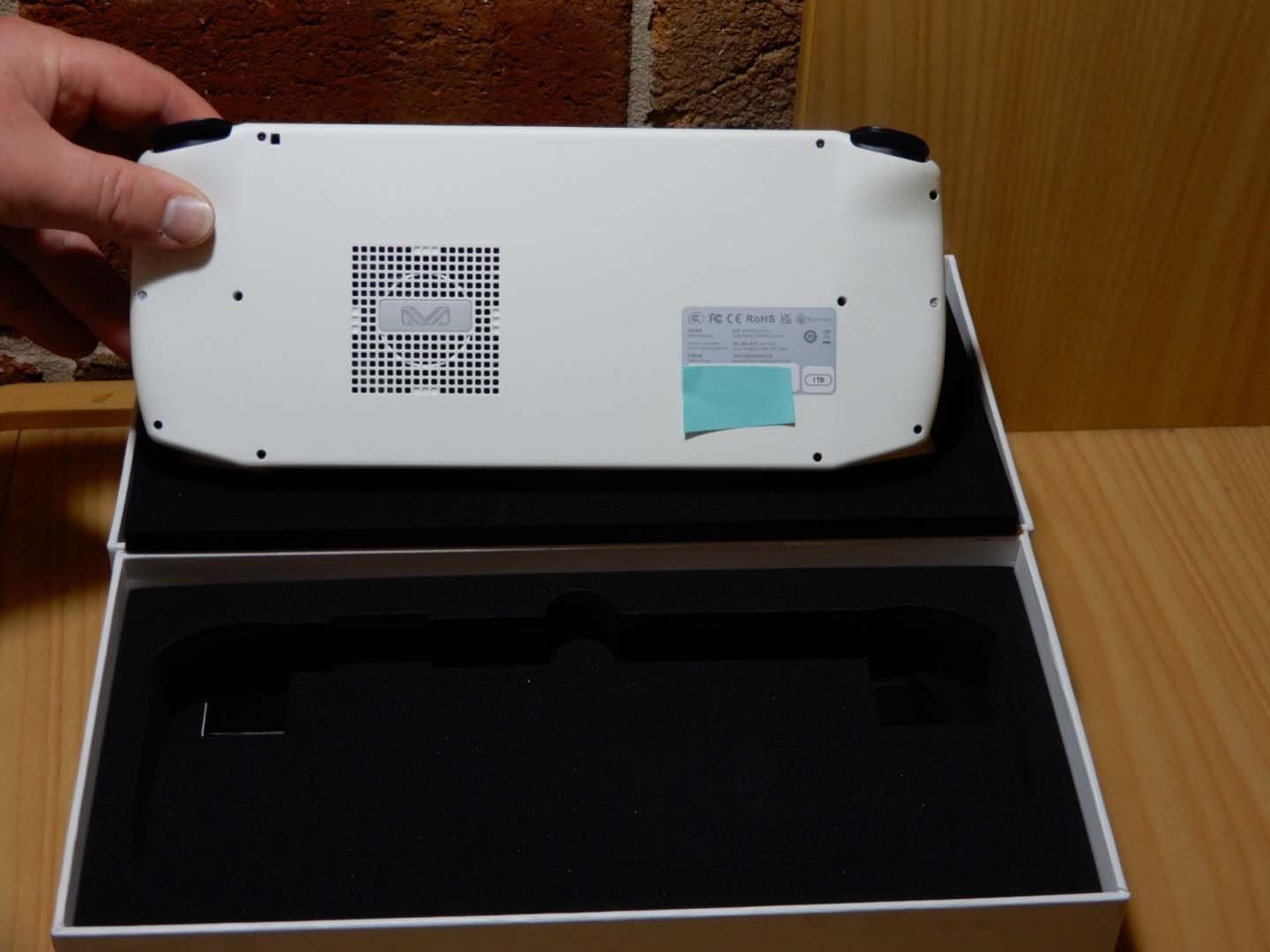
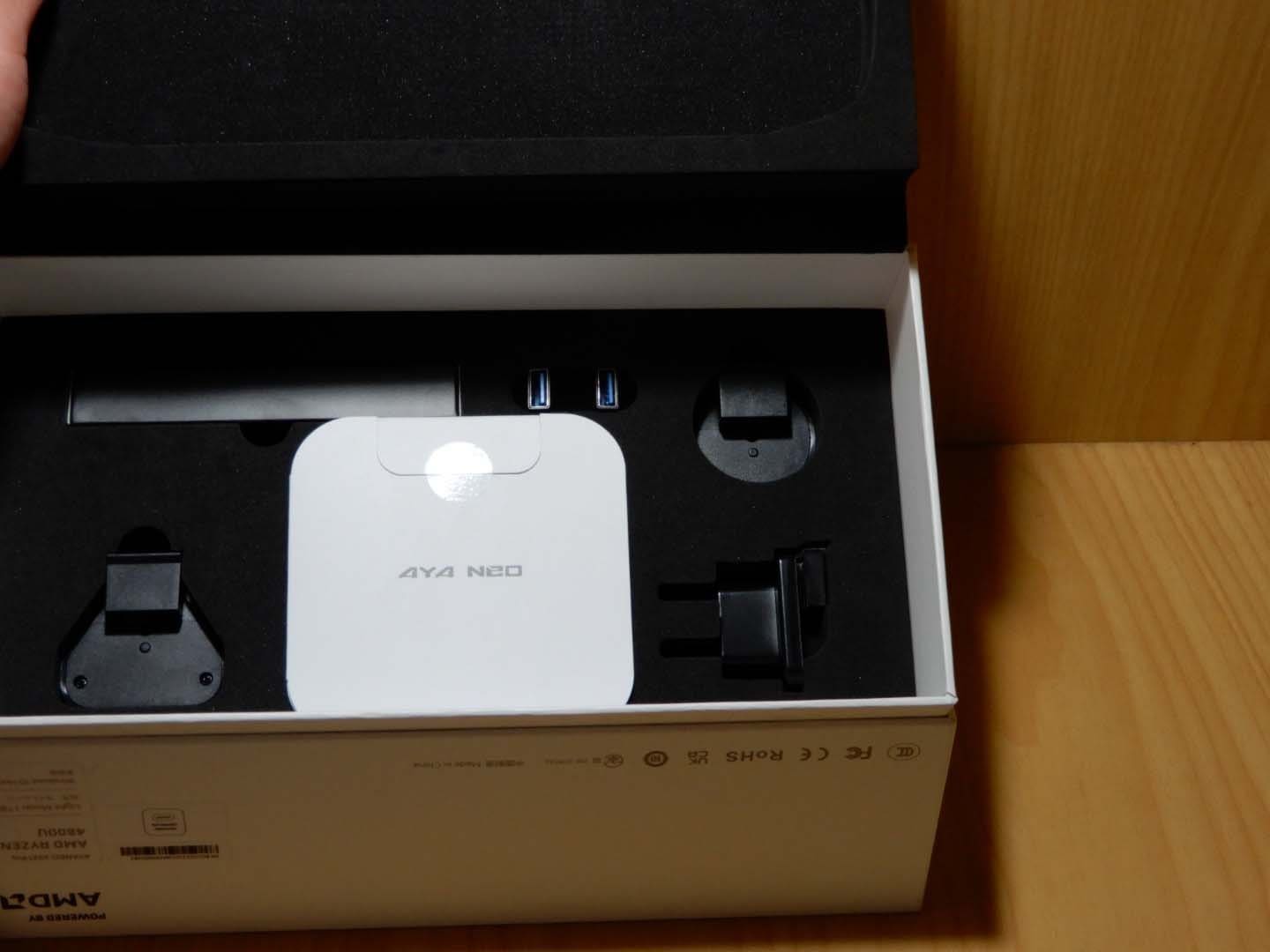
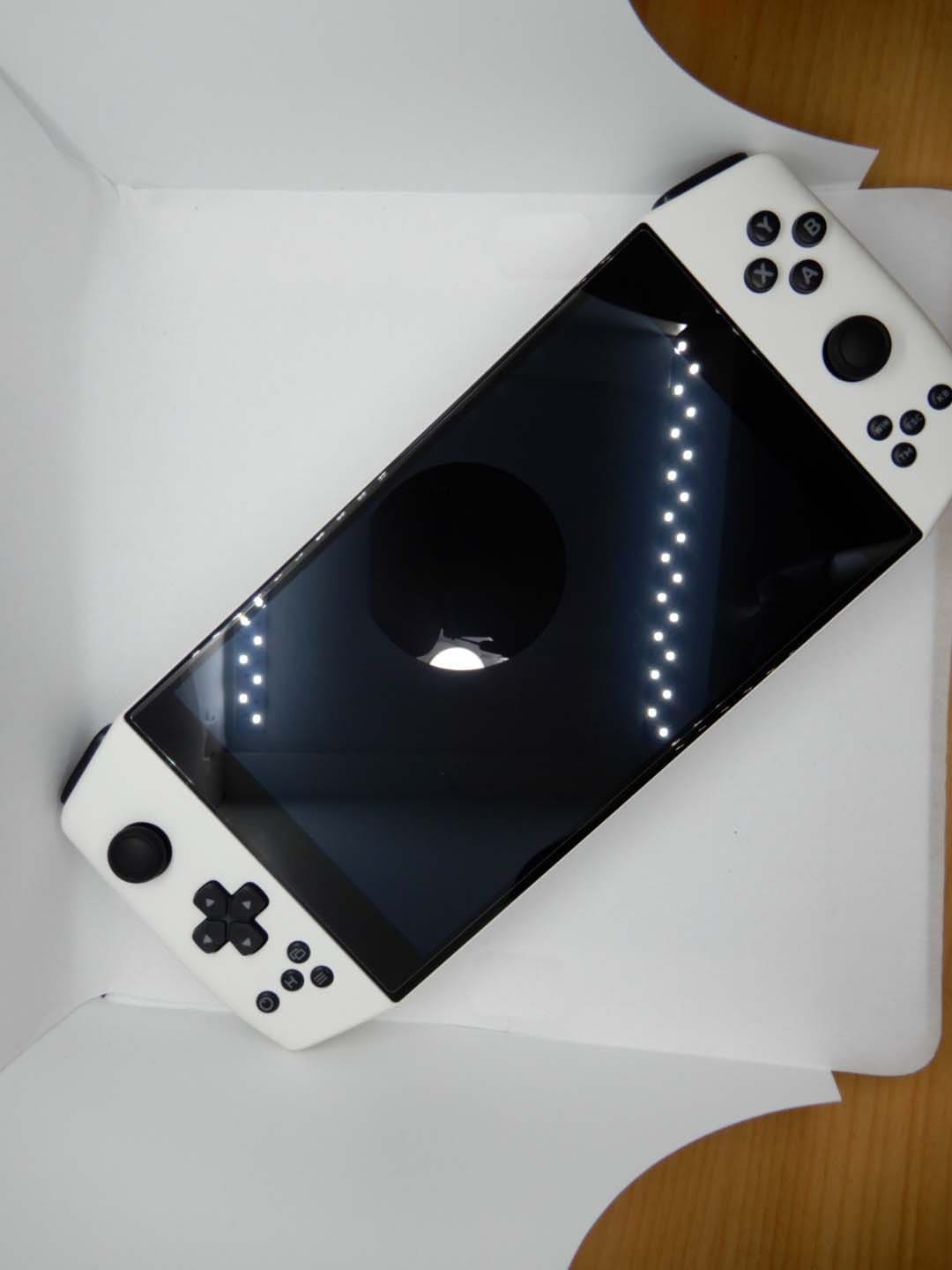
My AYA NEO Pro 2021 is the white model (black and retro grey were also offered). The long-promised dock arrived a few months later and made a big difference: Ethernet, extra USB, HDMI out—plug it in at home and use it like a tiny PC. The internal iGPU can output 4K for desktop use (don’t expect AAA at native 4K), and with Windows+P you can swap displays quickly. Docked on a 1080p monitor with a wireless Xbox controller, I played Rogue Legacy 1/2, Dead Cells, and Hades without hiccups. It won’t replace a high-end gaming laptop, but it holds its own for indie and lighter titles.
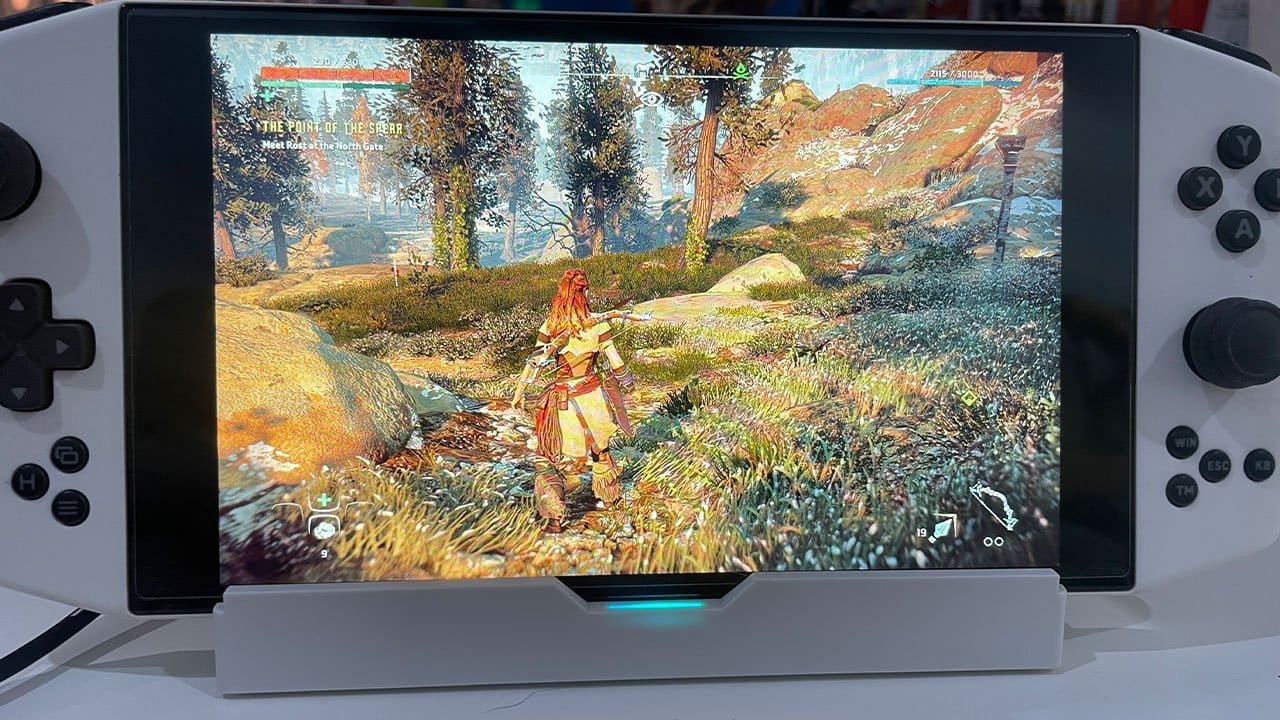
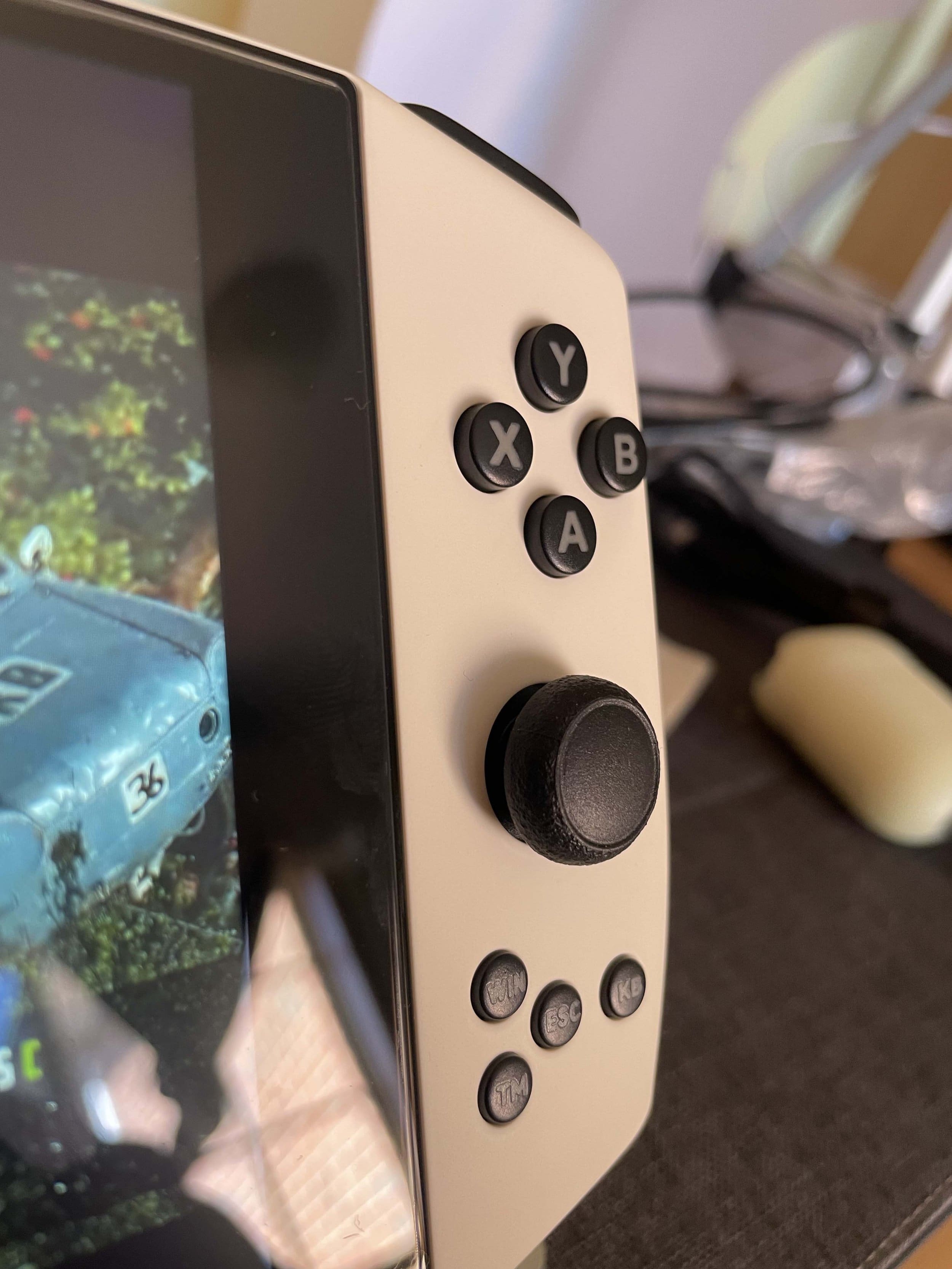
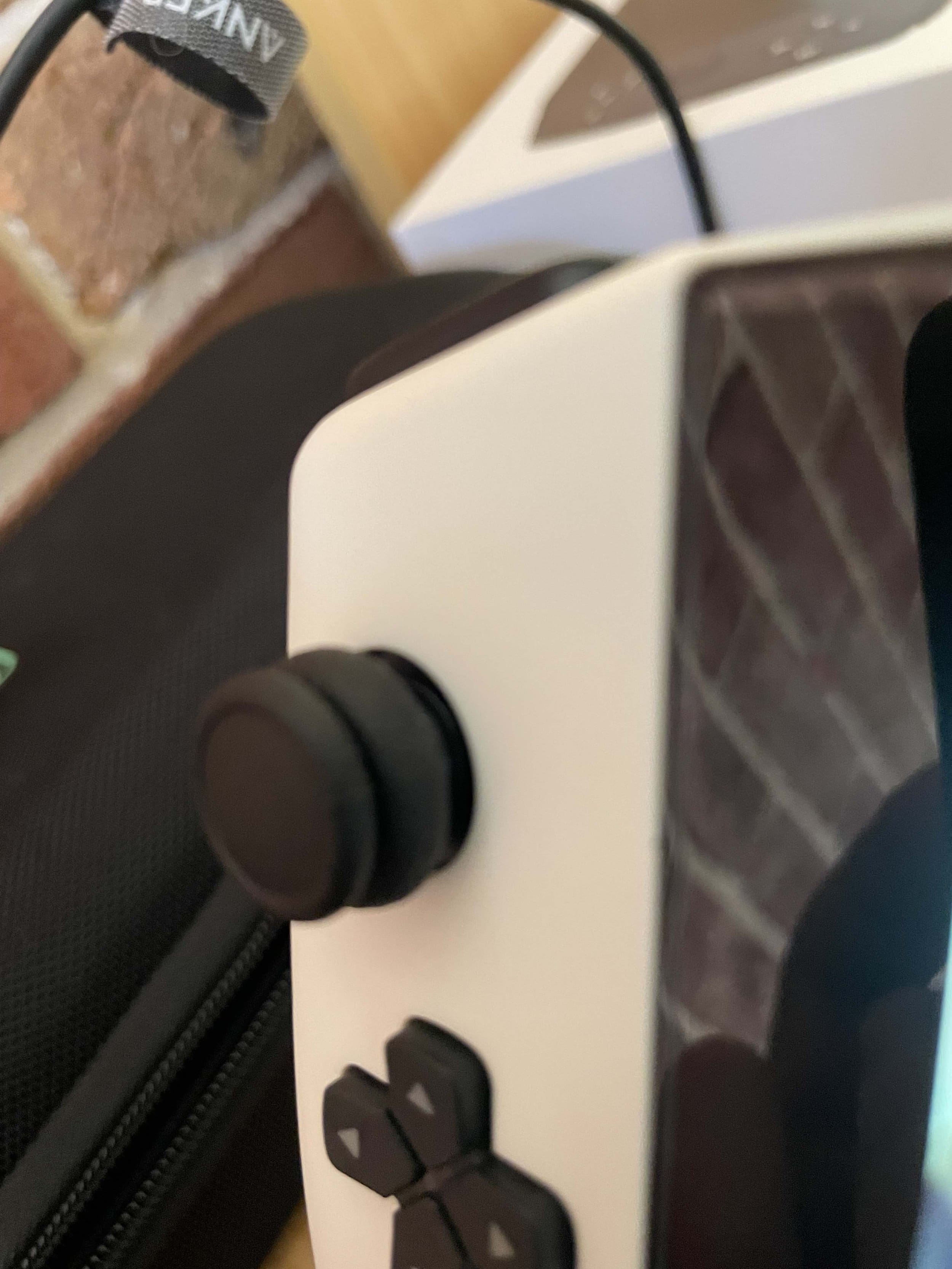
Ergonomics. In hand, it’s comfortable enough, but I preferred adding grips (I tried a 3D-printed Etsy set and AYA’s official grips). They improve long-session comfort and keep larger hands clear of the rear fan exhaust. The 7″ touchscreen helps with Windows navigation; you can also map the stick to mouse input. Face buttons feel smooth; the triggers have pleasant resistance; and extra utility buttons are handy for shortcuts (Task Manager, AYA Space, etc.).
Software. I mainly used AYA Space and Steam’s Big Picture to launch games and tweak power targets on the fly. The community-maintained compatibility lists and settings guides are excellent.

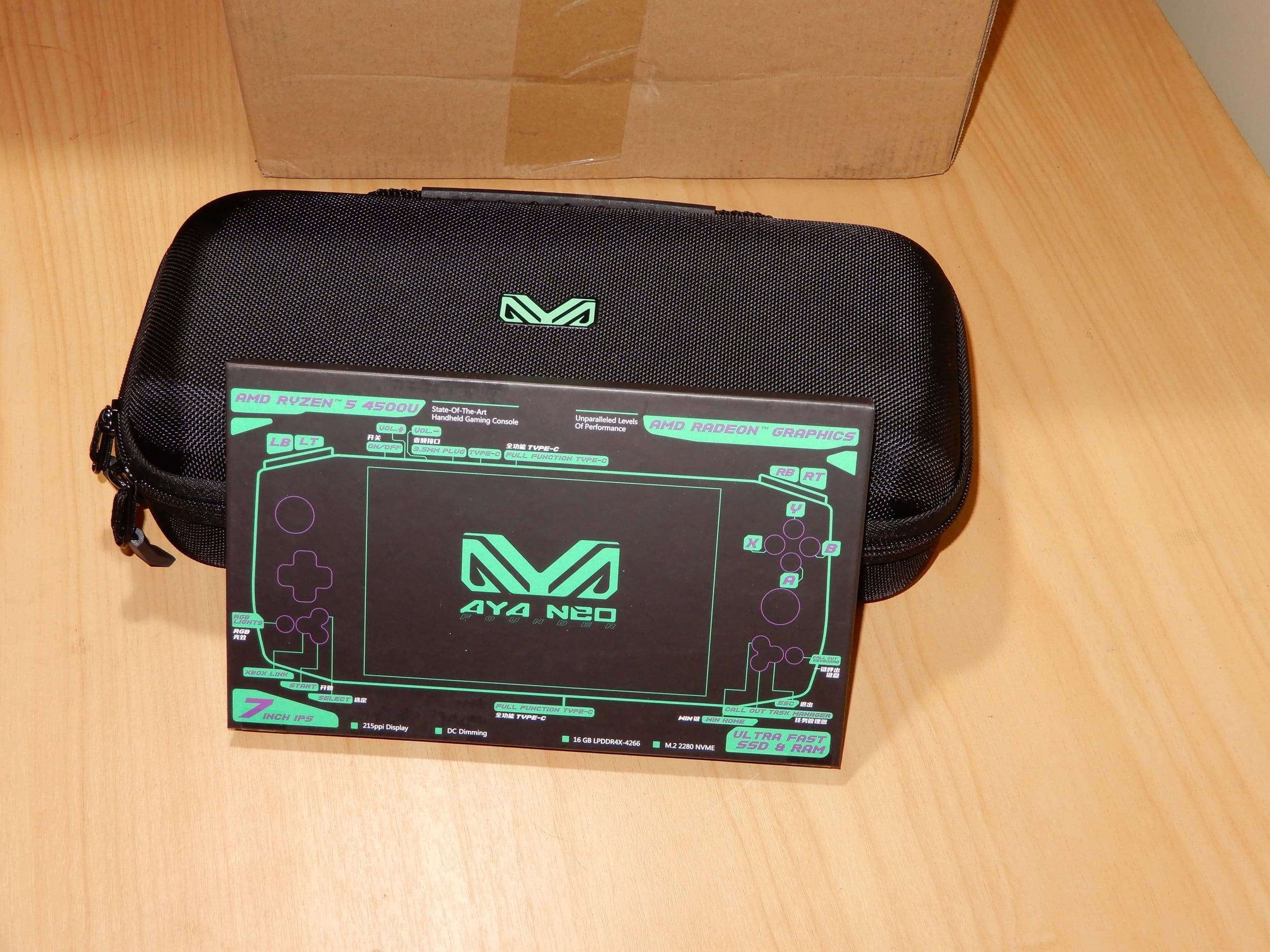
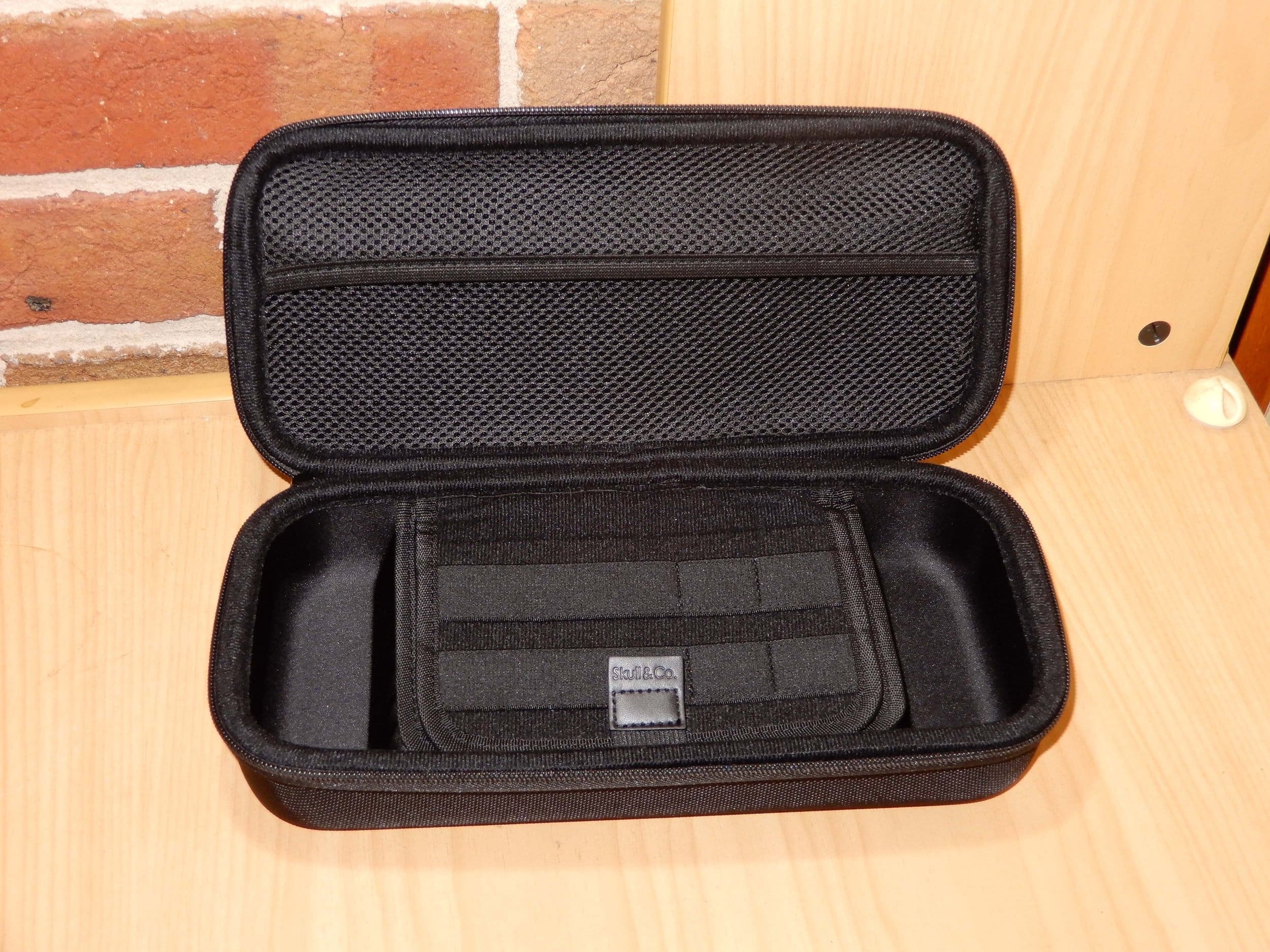


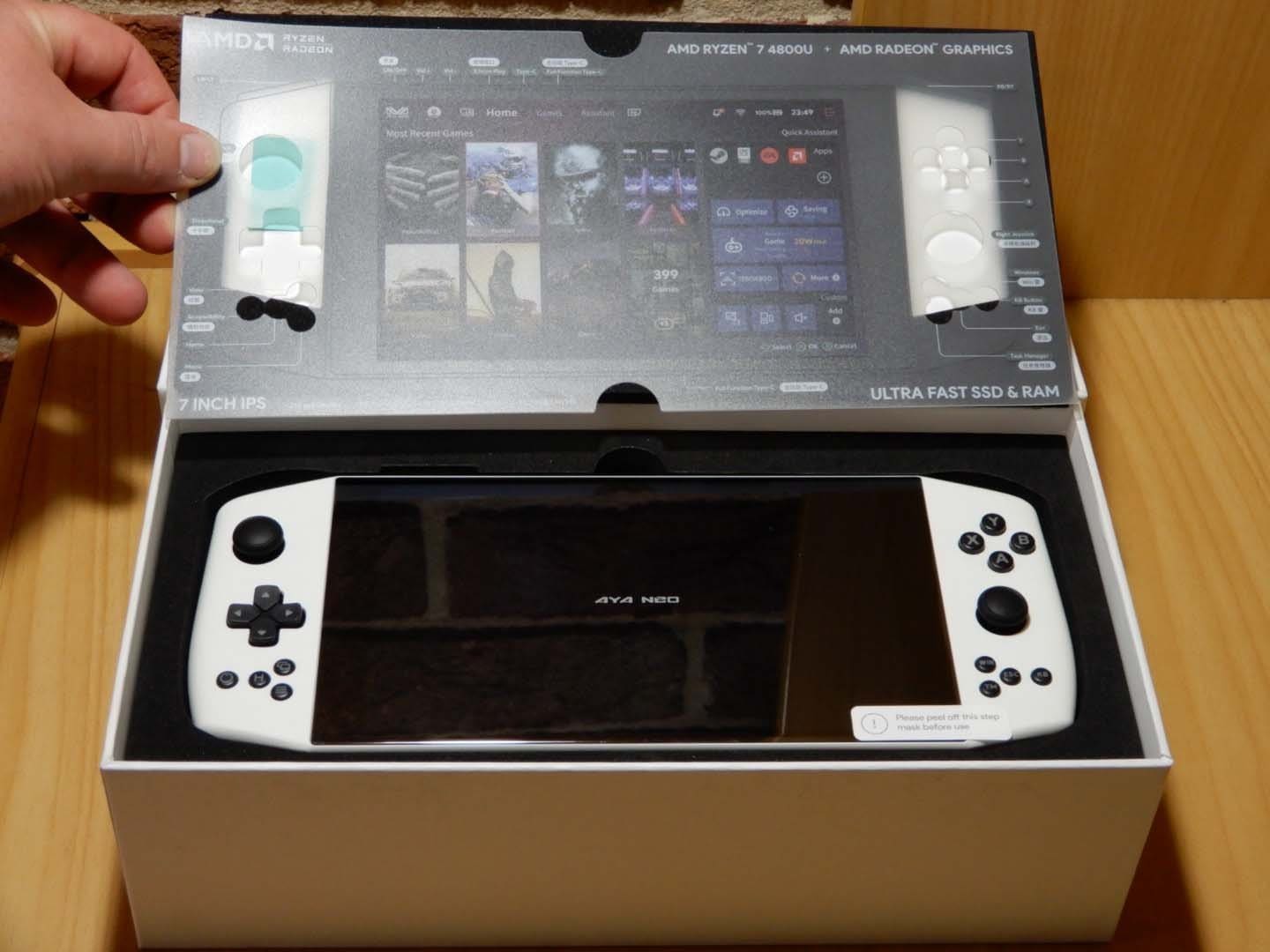


Specifications
- OS: Windows 10
- Processor: AMD Ryzen 7 4800U (8C/16T, up to 4.2 GHz)
- Graphics: Integrated AMD Radeon (up to 1750 MHz)
- Display: 7″ IPS touchscreen, 1280×800 (~215 PPI)
- Memory: 16 GB LPDDR4x @ 4266 MHz (dual-channel)
- Storage: 1 TB NVMe PCIe Gen 3.0 (user-upgradable)
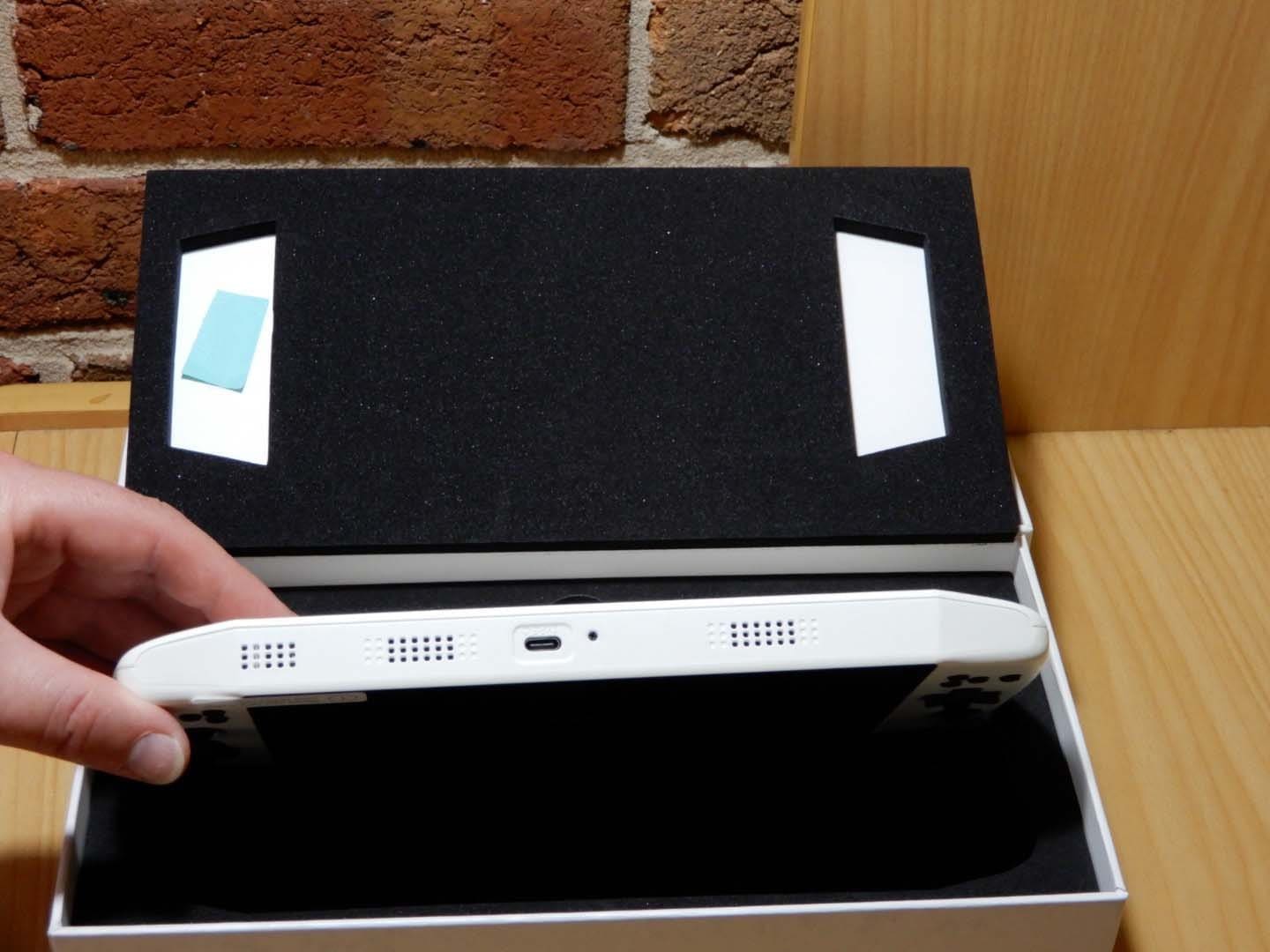
- USB: 3× USB-C 3.2 Gen 2 (two support DP 1.4 & PD charging)
- Audio: 3.5 mm headset jack; stereo speakers; Bluetooth
- Inputs: Dual analog sticks, D-pad, ABXY, triggers, vibration; stick-as-mouse mode; touchscreen
- Dock (optional): HDMI 2.0b (4K@60), Ethernet, 2× USB-A 3.0, 2× USB-C 3.2 Gen 2, microSD
- Community compatibility list: Google Sheets
Performance. Most newer games hit a steady ~30 FPS in handheld with reasonable settings, and many indies run flawlessly. Control, Horizon Zero Dawn, and God of War were playable with only light tweaks, while games like Rogue Legacy 2, Dead Cells, and Hades shine on this hardware. A few titles dislike the native 1280×800—SR/FSR and community tools help.
What I like. The size. It’s close to a Switch, so it’s easy to travel with, and Windows sleep/wake plus NVMe storage makes pick-up-and-play simple. Windows also reduces compatibility friction versus other handheld OSes.
What I don’t. Early-days support was thin, and you needed some PC know-how to solve issues (the community helps a lot). The smaller analog sticks—much like Switch—aren’t ideal for fine aim.
Other notes. You can upgrade the internal NVMe if you need more than 1 TB. All three USB-C ports support high-speed data; two support charging. The IPS screen is bright enough for strong indoor lighting. The speakers leverage the chassis for surprisingly good sound, but there’s Bluetooth and a 3.5 mm jack if you prefer headphones.
Bottom line. The AYA NEO Pro 2021 remains one of the better Windows handhelds I’ve used. With newer models on the horizon it’ll be interesting to see where AYA takes things next, but this unit is a sturdy, packable companion that handles a wide range of genres—and the community support only makes it better.