
Belkin Nintendo Switch 2 Accessories Review – Charging Grip, ScreenForce & USB-C Cable
A trio of Belkin Nintendo Switch 2 gear put to the test: a Charging Grip, ScreenForce & USB-C Cable

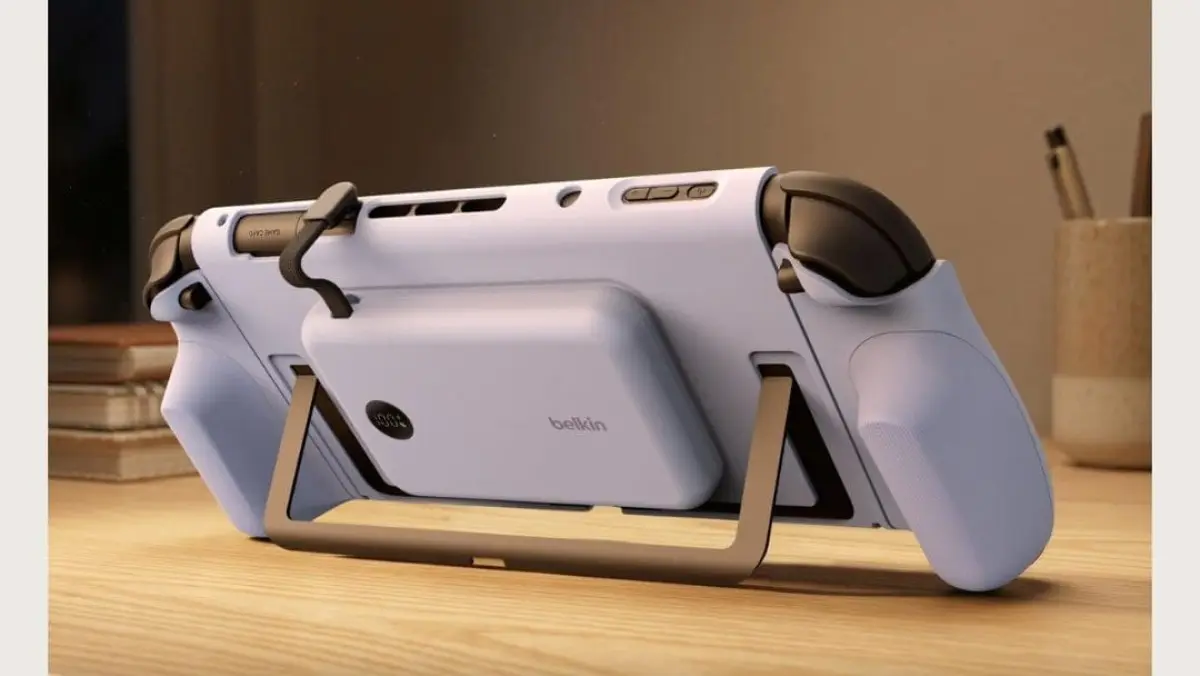
The longer the Nintendo Switch 2 is out and about (it’s been a year now, wow), the more accessories you find yourself looking for, and for a hybrid portable console like the Switch 2 and its predecessor, accessories that help keep you charged and on the game safely, and must-haves.
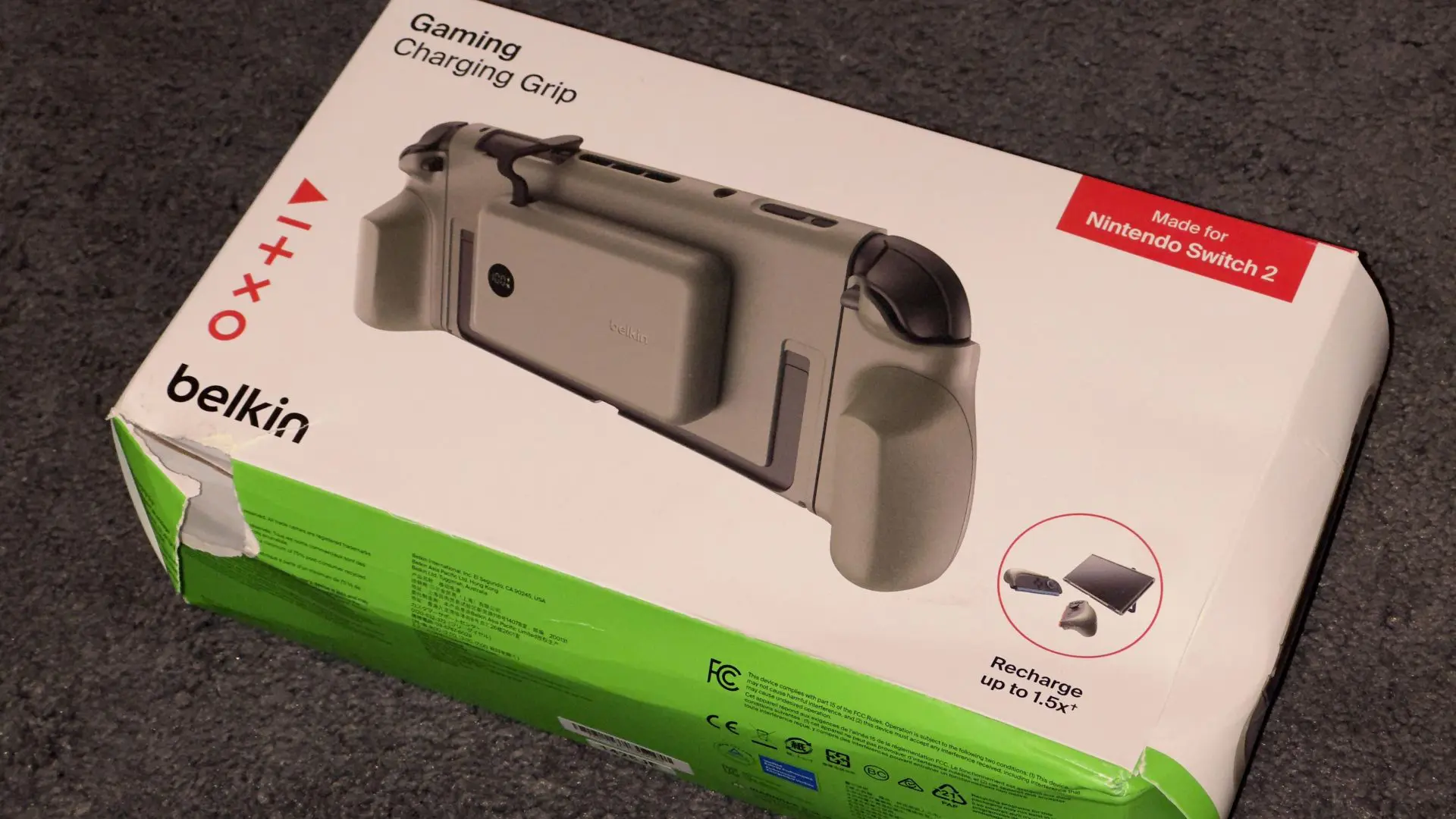
Belkin has a range of Nintendo Switch 2 accessories, and the past couple of weeks I’ve been trying out the Charging Grip, while with the ScreenForce TemperedGlass Blue Light Filter Screen Protector on my console, and charging the console, as well as the Charging Grip battery (we’ll get to it) with the Belkin USB-C Cable 60W cable.
They’re three pretty different products, and I’ve come away with different feelings about each of them. One I really like, one does exactly what I need it to, and the other is full of good ideas but has one issue that’s hard for me to overlook.
Belkin Charging Grip + Battery for Nintendo Switch 2
This is the most interesting of the three accessories I was sent to test out, and on paper, I love the idea of everything, but it’s left me mixed, with its performance being both great in some regards and weak in others.
Battery life in handhelds is always a problem, and the Nintendo Switch 2, although it has OKAY battery life, can always use some more juice, especially when you’re taking it on a long trip. You can carry a battery pack, sure, but what’s better—how about having a battery pack ready to go and attached to the back of the console? That’s what the Charging Grip + Battery adds.
You attach a chassis to the screen of the Nintendo Switch 2, two grips to the Joy-Con controllers, and then clip it all together. At the back of the console, now sits a magnetic way to attach a battery pack, which has a small cord you can unfold and plug into the console to charge it while on the go. Great, wonderful concept, and it works. You’ll get at least one full charge and a little left over for the Nintendo Switch 2, greatly extending the console’s playtime while you’re playing on the go.

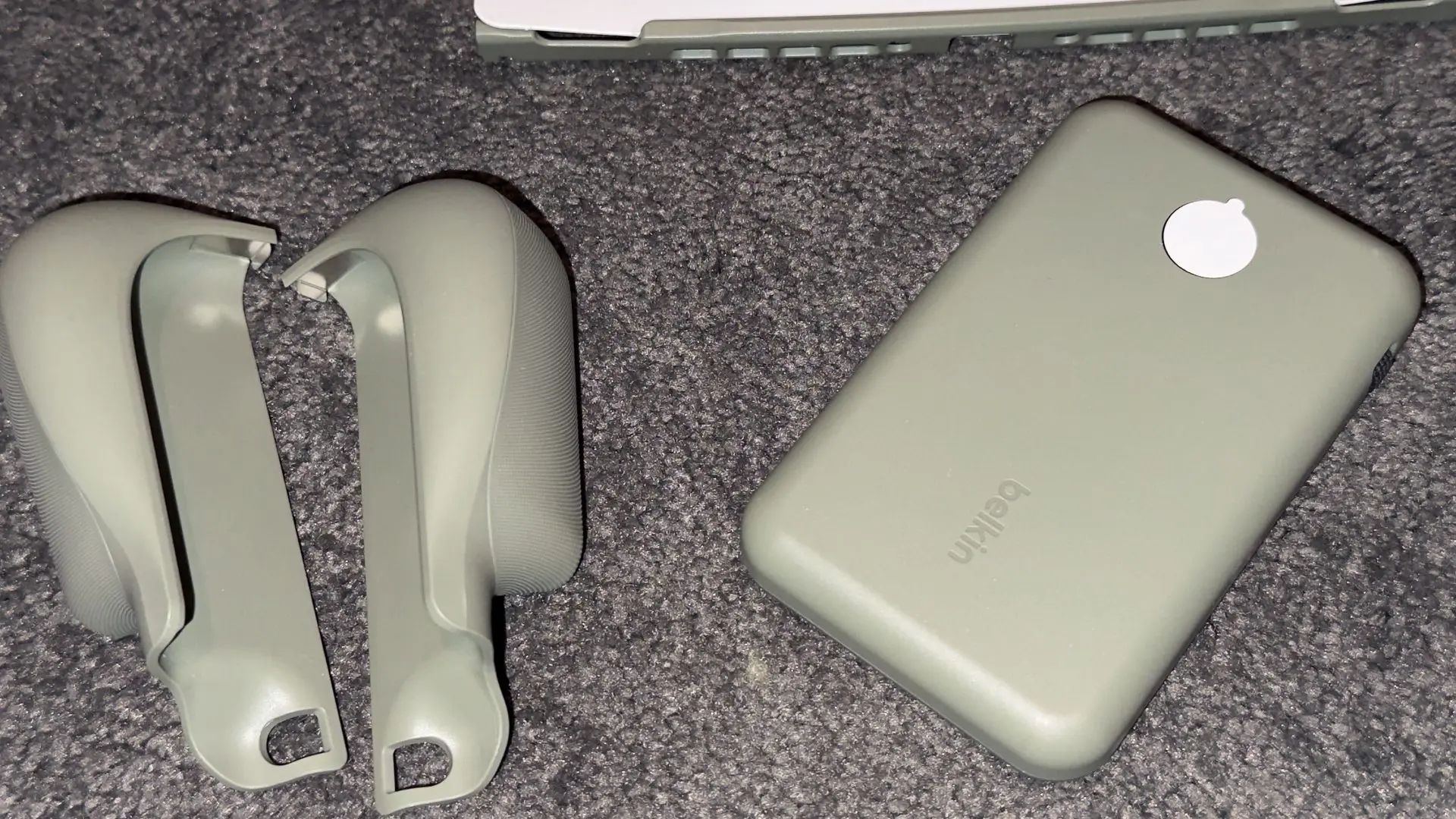

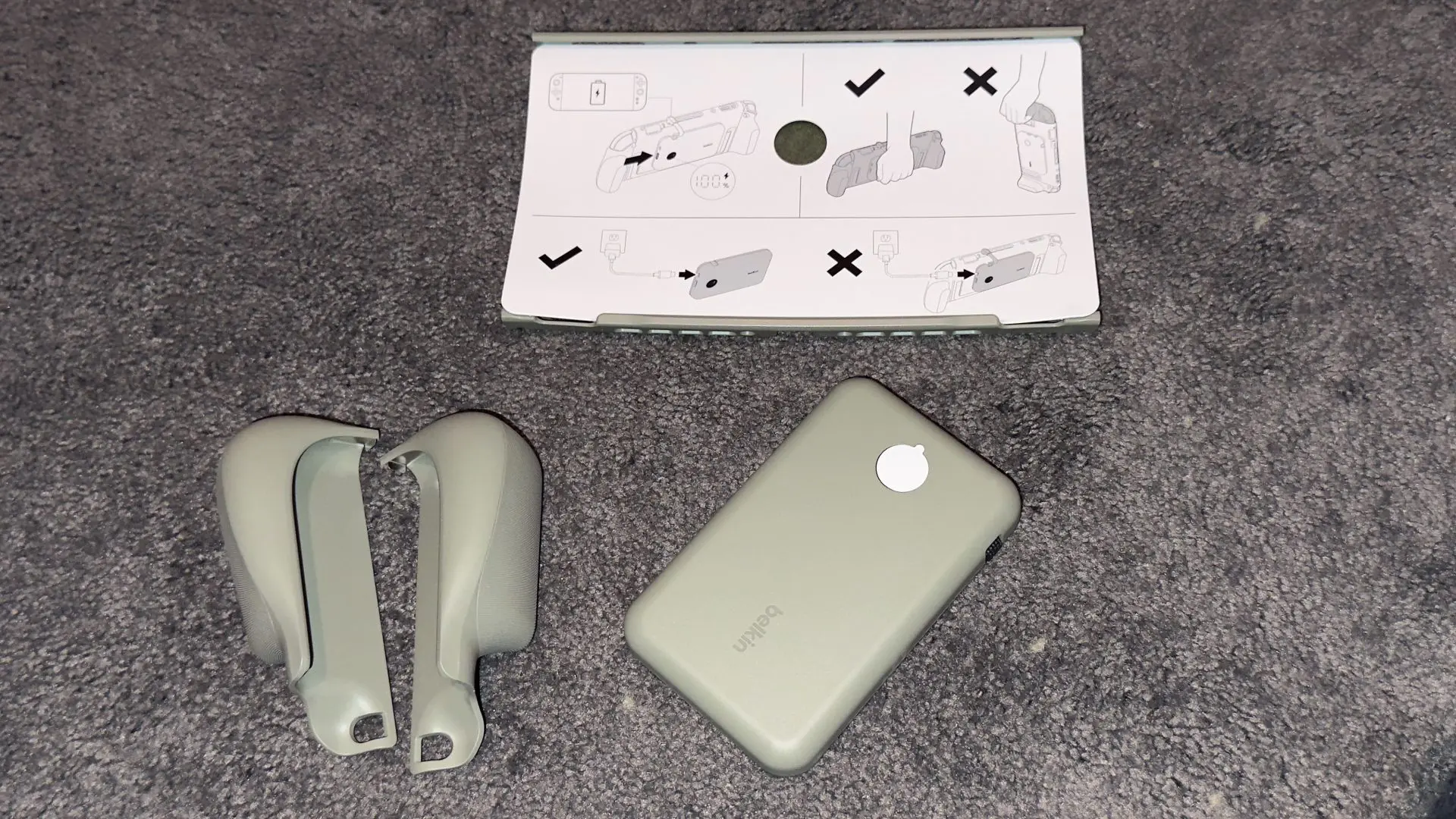
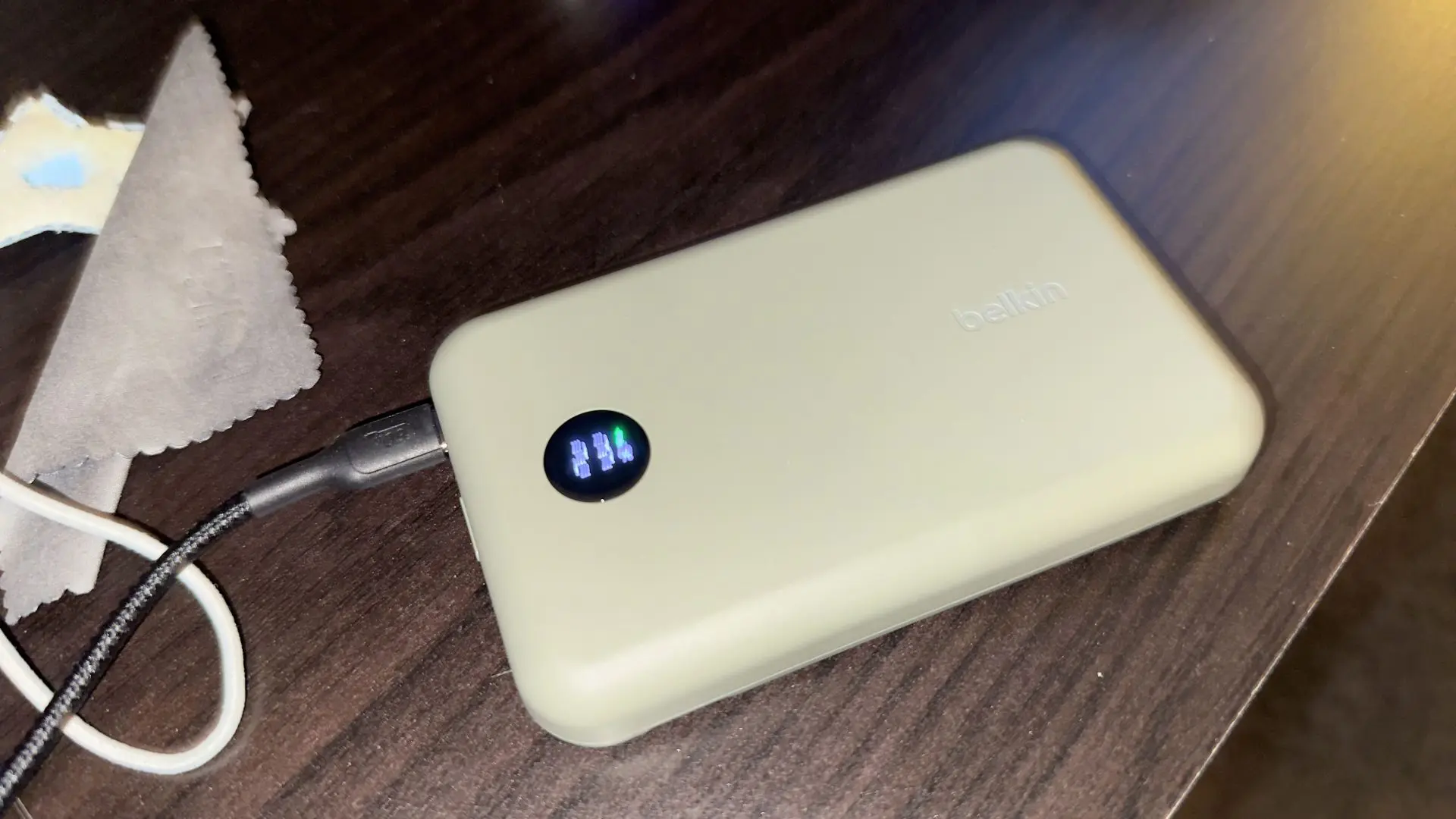
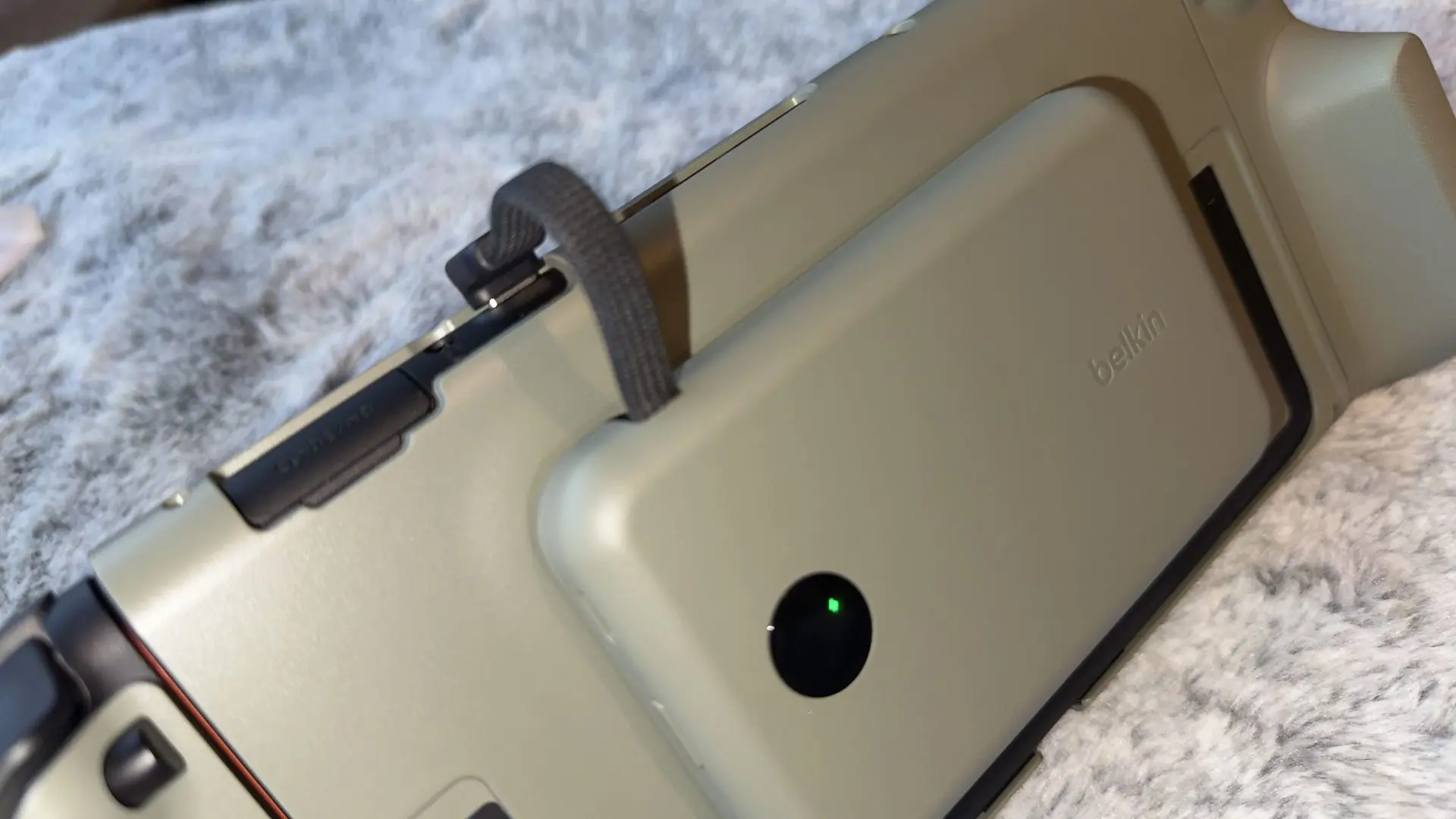
The problem for me has been how it’s all held together when it’s used. It feels loose, odd and cheap. And it doesn’t feel as secure as you’d want something wrapped around your expensive video game console to feel. And I even had it slip off a bit when in use, with the grips around the Joy-Cons coming loose and the rest of the unit sliding into my lap.
It’s a shame because I really like everything else Belkin is doing here.
The power bank on the back is fantastic. The idea behind the product makes complete sense. Everything works exactly as I’d expect it to from a charging perspective. If those grips felt more secure around the Joy-Con 2, I’d probably be recommending this pretty easily.
This is being marketed as a charging grip, but when only half of that’s been successful for me during use, it’s not a great experience.
Purchase on:
ScreenForce TemperedGlass Blue Light Filter Screen Protector
A screen protector is never going to be the most exciting thing you buy for a new console, but it’s probably one of the smartest, especially if you think you might drop it, or have someone drop something on the screen.
I’ve been using Belkin’s ScreenForce Tempered Glass Blue Light Filter Screen Protector on my Nintendo Switch 2, and I’ve been really happy with it. It does everything you’d want a screen protector to do, and I do feel like it’s been a bit easier on the eyes when playing in dark rooms, especially.
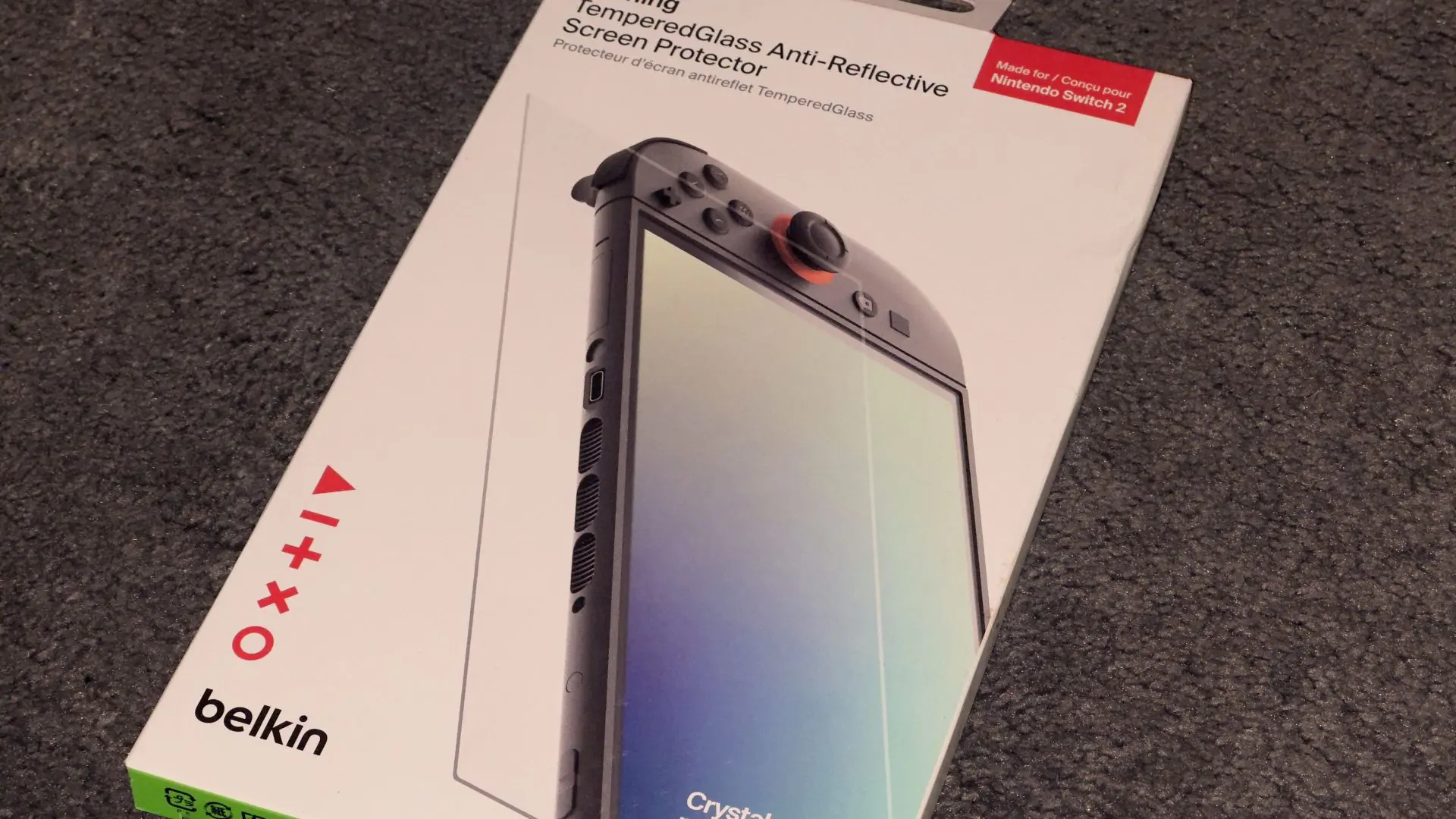
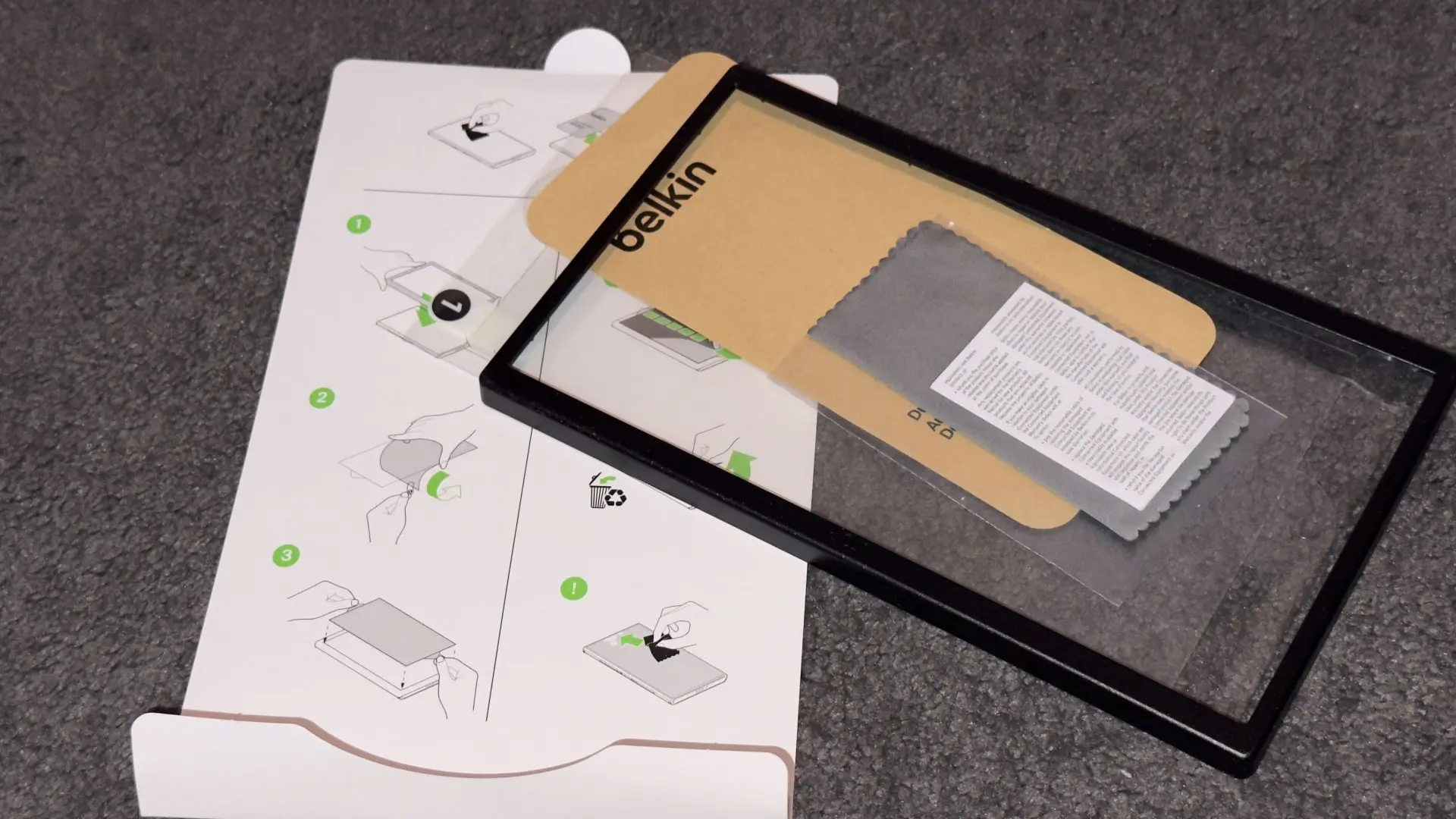
Installation is pretty much what I’ve come to expect from other screen protectors. There’s a guide included to help line everything up and make the process easier, and it certainly helps, but I’m still waiting for the day when putting one of these things on doesn’t feel like it requires more concentration than it probably should.
Admittedly, I haven’t attacked my Nintendo Switch 2 with a fork to see how much punishment it can take, but it fits and looks good. More importantly, I’ve largely forgotten it’s even there.
Purchase on:
Belkin Gaming USB-C to USB-C Cable 60W
Then there’s the USB-C cable, which is a little less exciting to talk about than the screen protector, but is performing at full marks.
Belkin’s Gaming USB-C to USB-C Cable supports up to 60W charging, and I’ve found it charges the Nintendo Switch 2 nicely and quickly. More importantly for how I like to place and use the cord, I really like the length. Having that extra room makes it much easier to continue playing while the Switch 2 is plugged in. I don’t need to sit awkwardly close to a power point or stop playing because the console needs some extra juice.
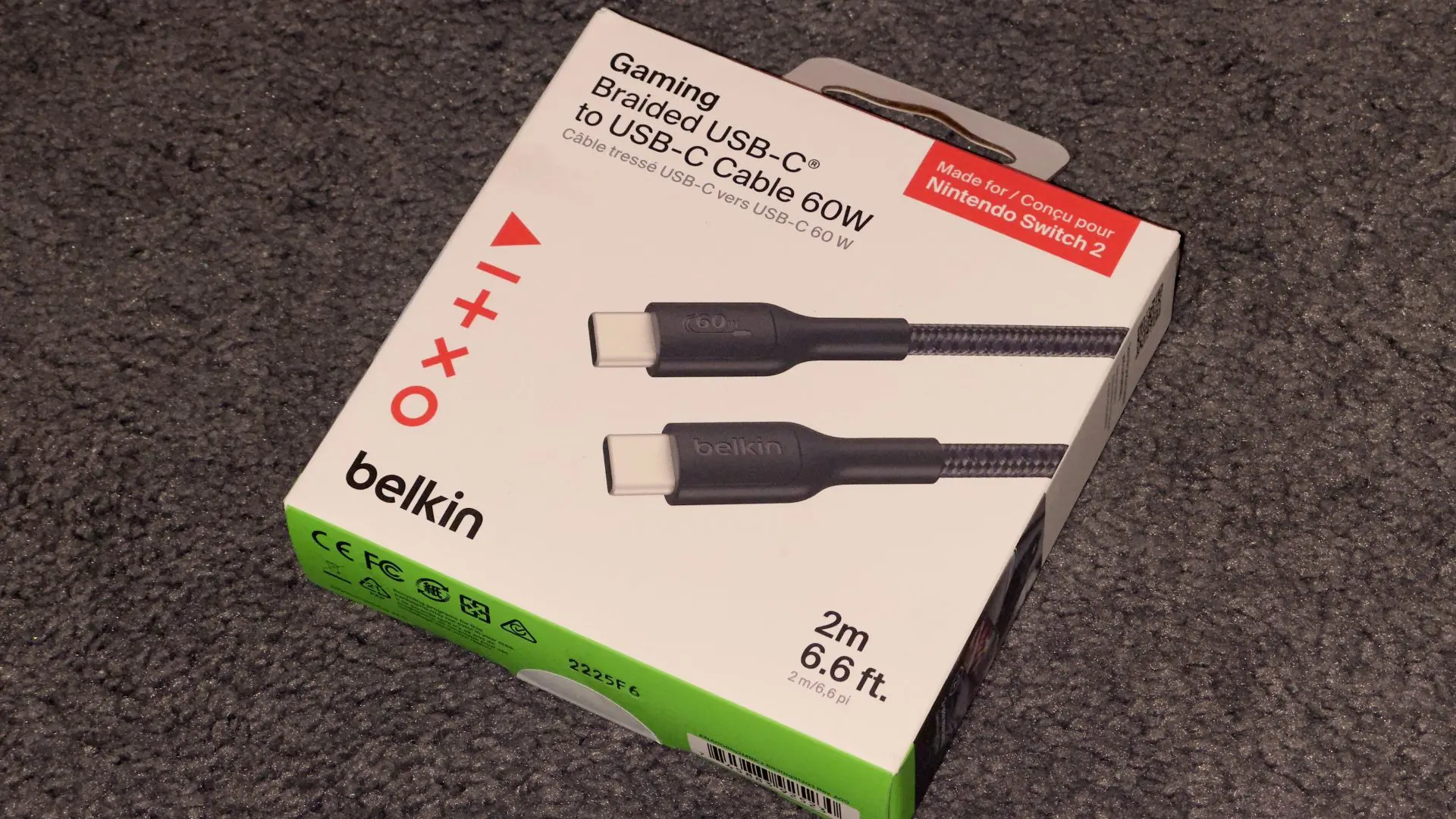

I’ve also been impressed with the build quality. It feels sturdy and well-made, which is particularly important for something that’s going to be regularly plugged in, pulled out, wrapped up, and potentially thrown into a bag.
Sometimes an accessory doesn’t need to do anything particularly clever. It just needs to do its job really well, which this cord does.
Purchase on:
Which Belkin Switch 2 Accessories Are Worth It?
Of these three accessories, the USB-C cable is probably easily the best overall, but it’s also just a charging cable. It’s not exciting to talk about, but I don’t have any complaints. The screen protector is also very easy to recommend, though I do wish it were still easier to install; that’s not on Belkin; everyone fails to innovate here.
The Charging Grip is where things get more complicated. There’s a lot I like about it, particularly having a dedicated power bank always there, ready to go. Still, it’s also got the build quality and safety concerns I have raised. If Belkin can tighten up that part of the design, there’s a great accessory here.
Belkin Nintendo Switch 2 Accessories Review – Charging Grip, ScreenForce & USB-C Cable
The screen protector and the USB cable do their job fantastically, but out of these three, it was always going to be the Charging Grip that would be either a great product or a bit of a miss. And at the moment I'm mixed on it. It's hard to fully recommend because I am concerned about it falling apart on me again, but if you're willing to risk it, or just think I wasn't using it right, the battery pack is a great add-on to your console while on the move.

Dylan Blight
[He/Him] Dylan Blight is the Founder and Editor-in-Chief of Explosion Network, an independent Australian publication covering video games, film, television and pop culture. Since founding Explosion Network in 2017, Dylan has written and produced reviews, news, interviews, features and podcasts across the entertainment industry, while overseeing the publication's editorial direction and content.
MORE FROM DYLAN BLIGHT →

Comments