
Lightweight and Versatile: Epomaker Carbonis Mouse Review
During my experience with the Carbonis mouse by Epomaker, I have been thoroughly impressed by its performance and features.

Connection: Tri-Modes (2.4Ghz Wireless, BT and USB A to C Cable)
DPI: 6 stages adjustable at 400, 800, 1600, 3200, 6400 and 30000
Screen Material: Glass
Screen Size: 21.69×8.52mm (0.854 x 0.335 inch)
Screen Content: Battery Level/DPI/Connection Mode/Polling Rate
Hand Orientation: Right
Compatible Devices: PC/Laptop/Tablet/Phone
Hardware Platform: Linux, Mac, PC
Sensor: PAW3950
IPS (Inches per second): 750 IPS
Acceleration: 50g
CPI: 30000
FPS: 13000—20000
Key Material: Left and Right Buttons: PC + Carbon Fibre, Side Buttons: ABS
Polling Rate/Report Rate (in 2.4G or USB Mode): Up to 8000Hz, default: 1000Hz
Polling Rate/Report Rate (in BT Mode): 125Hz
Latency (with Cable): 0.3ms
Latency (BT3.0/5.0): 8ms
Latency (wireless 2.4G): 0.375ms
Battery: 300mAh
Compatible OS System: Windows/Mac/Linux
Software: Online Software. It is recommended to use a browser based on the Chrome engine to ensure that all software features are displayed correctly. Other browsers may have compatibility issues.
Size: 12.3*6.61*4.27cm (4.84 x 2.60 x 1.68 inches)
Weight: about 50g (1.76 oz)
It may not take the spot as my primary mouse, it has seamlessly integrated into my setup
I have been using the Epomaker Carbonis mouse for the past three months, and I’ve found it to be excellent. I initially used it on my main PC for daily use and gaming; it has since moved to the loungeroom to join my Steam Machine. It has also become the travel mouse that I take when gaming on the go. The Bluetooth connection has been particularly handy for this method. Having several connectivity options gives me flexibility in where and how I use it.
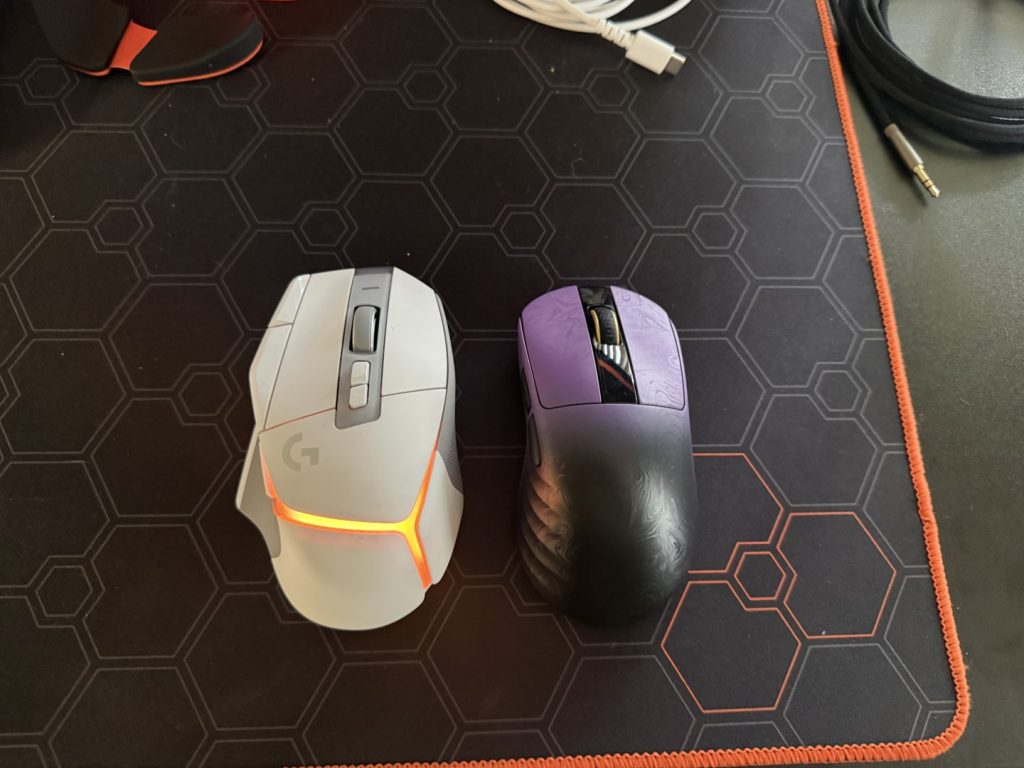
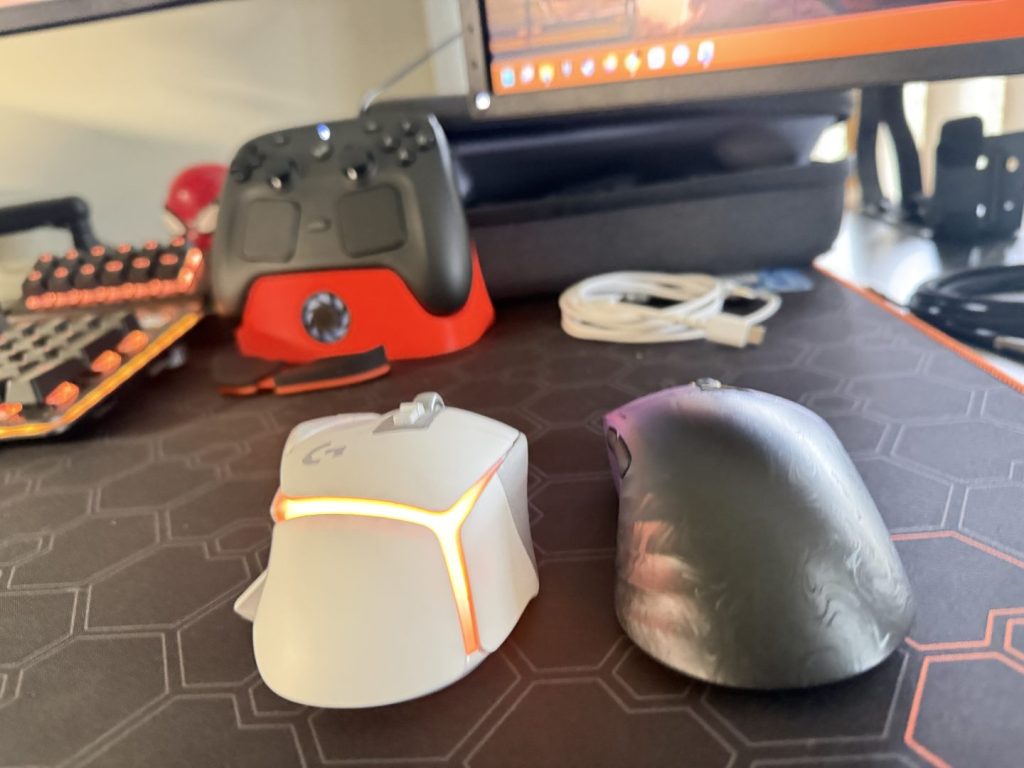
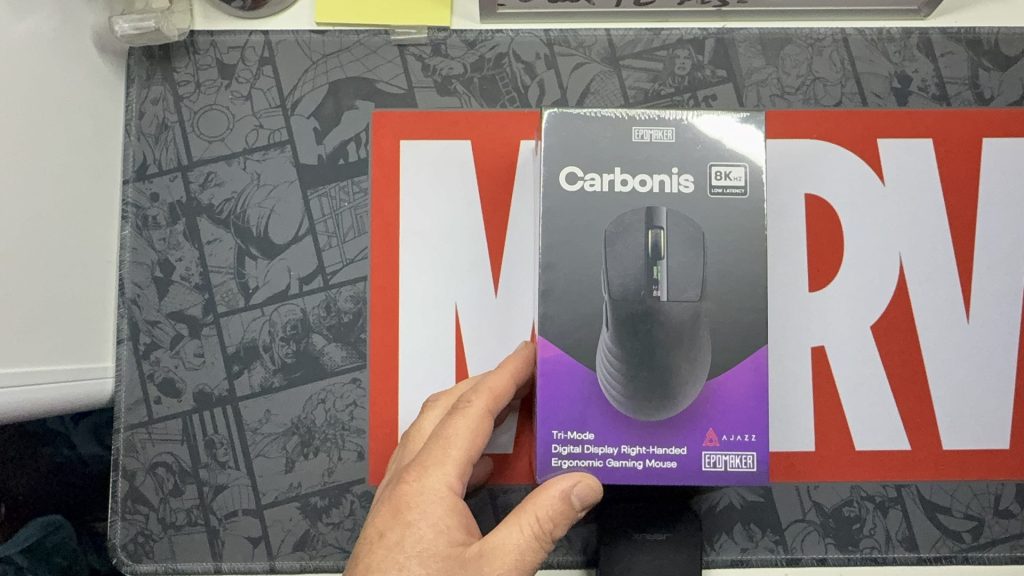
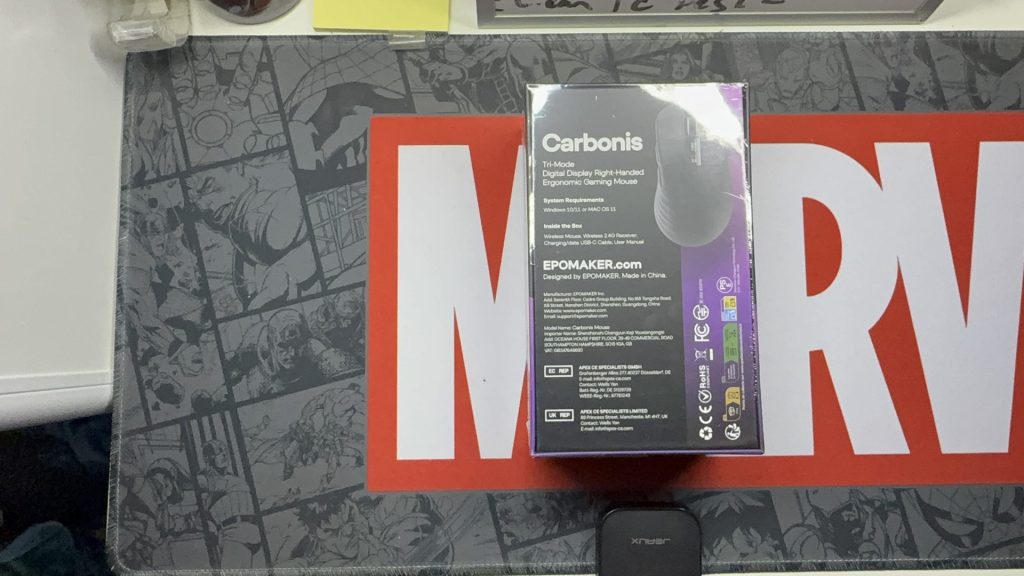
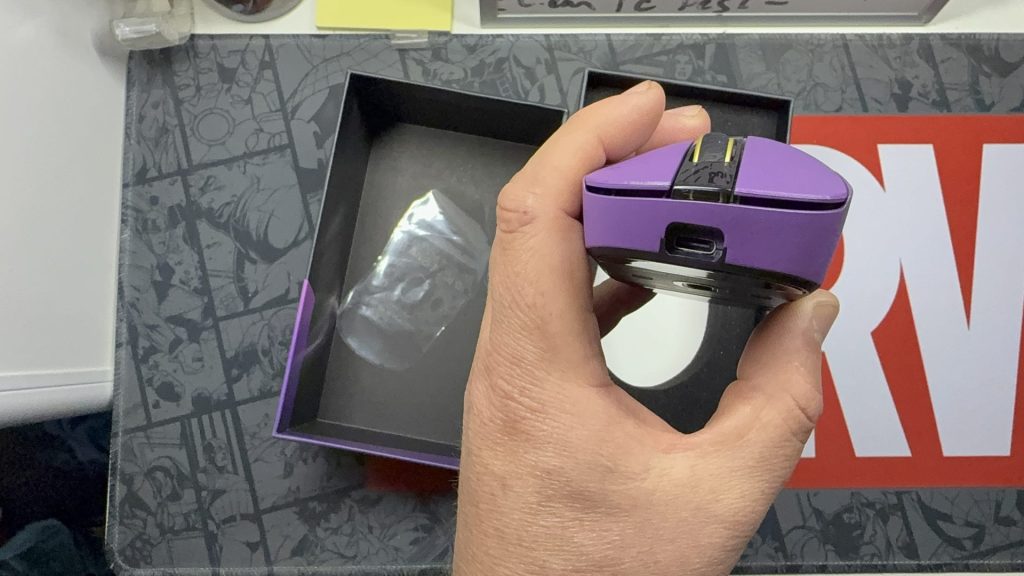
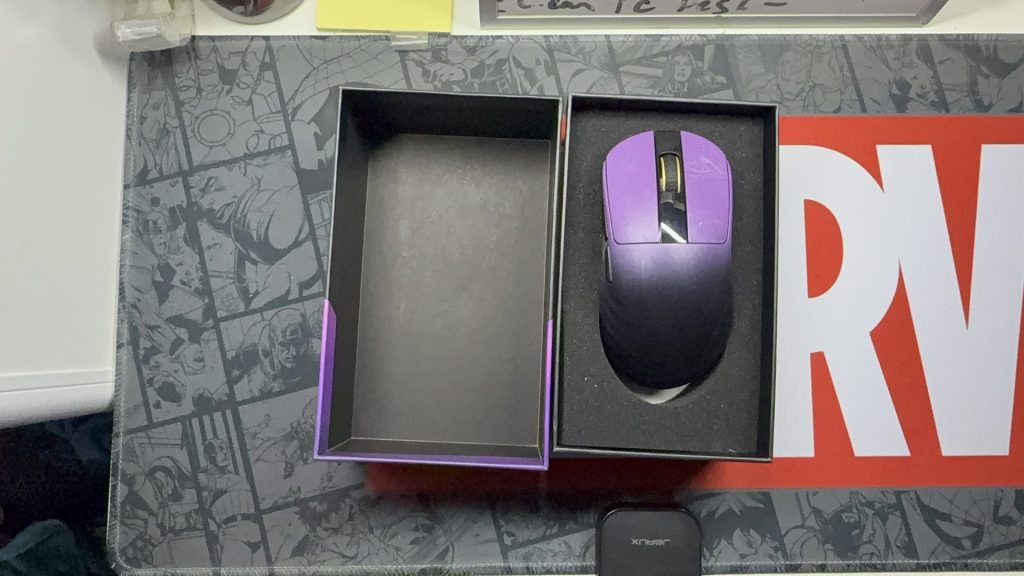
The mouse arrived in sleek packaging that was easy to open and kept everything protected during its journey. After cutting the plastic wrap and sliding the boxes apart, I had the Carbonis in my hand within moments. The first takeaway was how light the mouse was, and how different it was from my Logitech mouse. The Carbonis is listed at fifty grams, with its carbon fibre composite shell. The lightweight frame doesn’t translate into the feel; the mouse feels sturdy in hand, and it left a solid first impression.
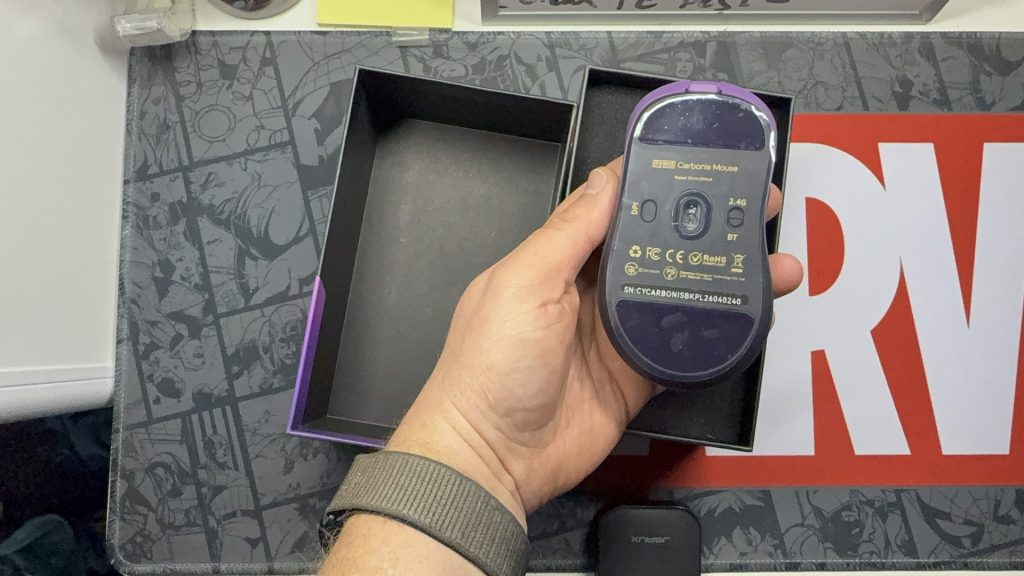
Flipping the mouse over, I proceeded to remove the clear film from the base. I then looked at the components underneath, including the connection and power mode switch, optical sensor and the DPI button. Seeing the DPI button on the base gave me some pause. I am someone who often changes my DPI on the fly, especially when in-game, so I enjoy having the ability to change it easily. So, the placement was something I would pay attention to during use. Setting aside the mouse, I moved on to the rest of the contents in the box. The box also contained: a USB-A to USB-C Cable, a set of replacement feet, a user manual, and the 2.4 GHz Wireless receiver.
Now that it was all unpacked, I began to use the mouse, firstly with the USB cable, followed by the 2.4 wireless, and then the Bluetooth. All three connected and worked without any issues. The software, on the other hand, caused a little confusion, as I had the Epomaker software installed from their keyboards and expected the mouse to appear there. After checking the manual, I soon realised my mistake, as the mouse utilises a browser-based configuration tool. Not the normal way I was used to utilising, but it was nice not to have to install another bit of software.


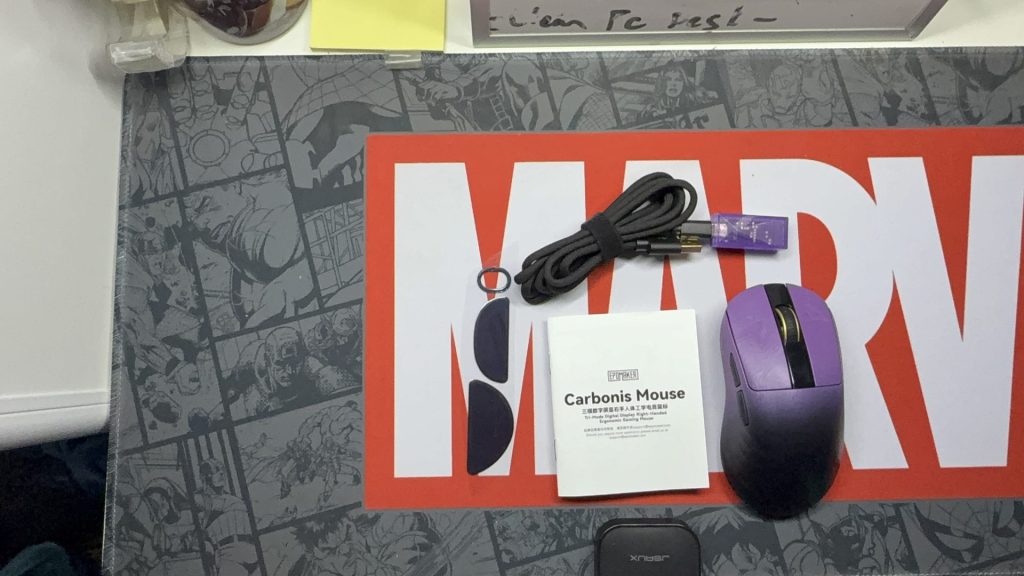
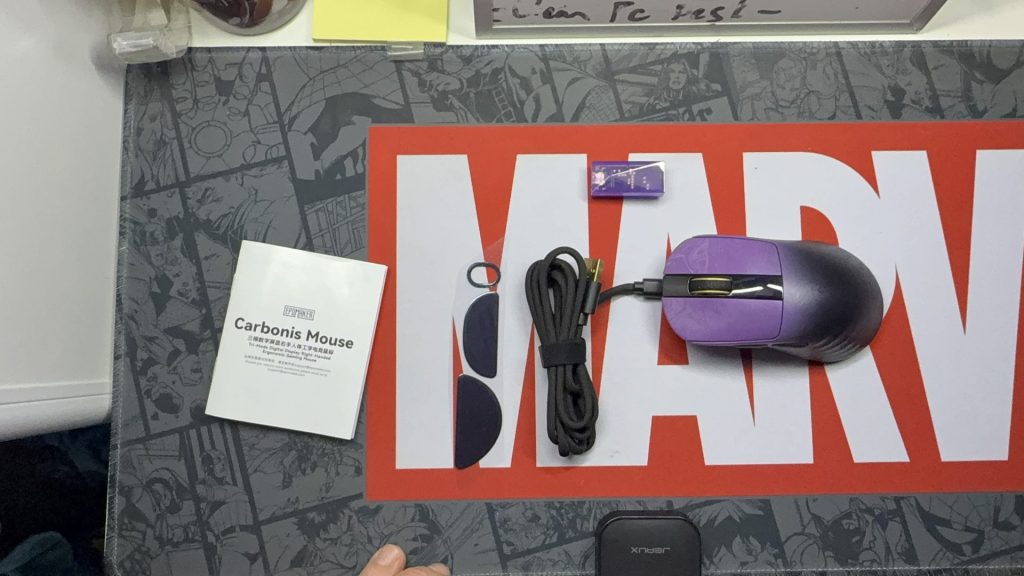
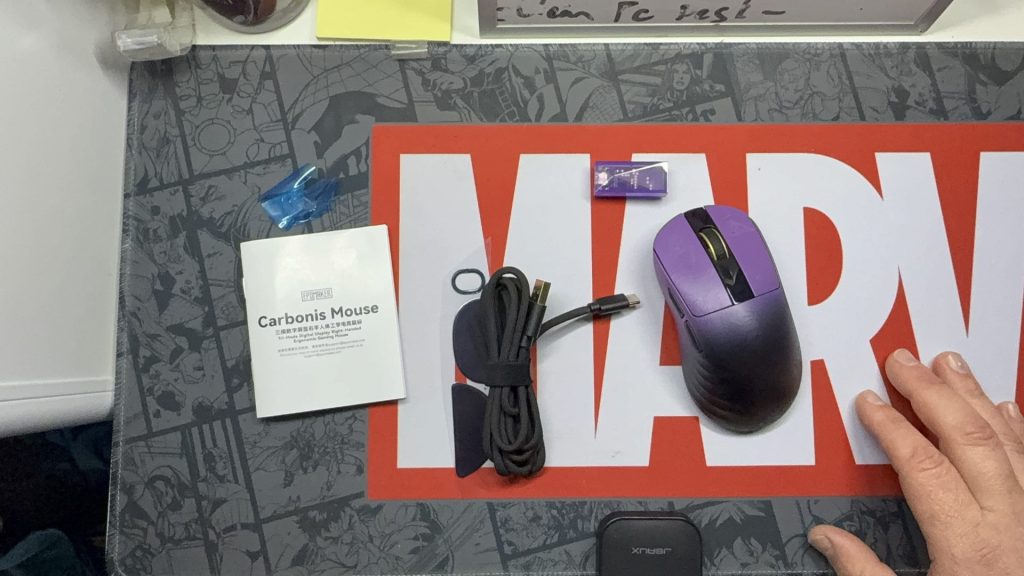
Having installed other software to configure mice previously, this was a change from the norm. It also suited how I was utilising the Carbonis. With the profile saved to the mouse, I was able to move between systems without the need to install software on each device. The browser tool is able to be accessed through the browser, so all that is required is an internet connection and a Chromium-based browser.
The adjustable settings include DPI, polling rate, Button assignments, sleep settings, and lift-off distance. The Carbonis features a PAW3950 sensor and sensitivity of up to thirty thousand DPI. I had mine set to change from Four Hundred to maxing out at eight thousand. While the polling rates can go as high as eight thousand Hz when connected via USB or 2.4 GHz wireless, it is defaulted to one thousand Hz. Bluetooth is limited to one hundred and twenty-five Hz.
As mentioned, I have been using a Logitech G502X for a while now, so it will be my comparison model. The Carbonis has a similar feel in terms of click; the clicks are crisp-sounding and responsive. The grip is different, as the Carbonis is a more open-feeling mouse and less moulded to my hand. There are also fewer buttons, which was both an advantage and a disadvantage depending on the setting. For those of us who like to have a range of shortcuts, or in-game commands on those extra mouse buttons, it is a consideration.



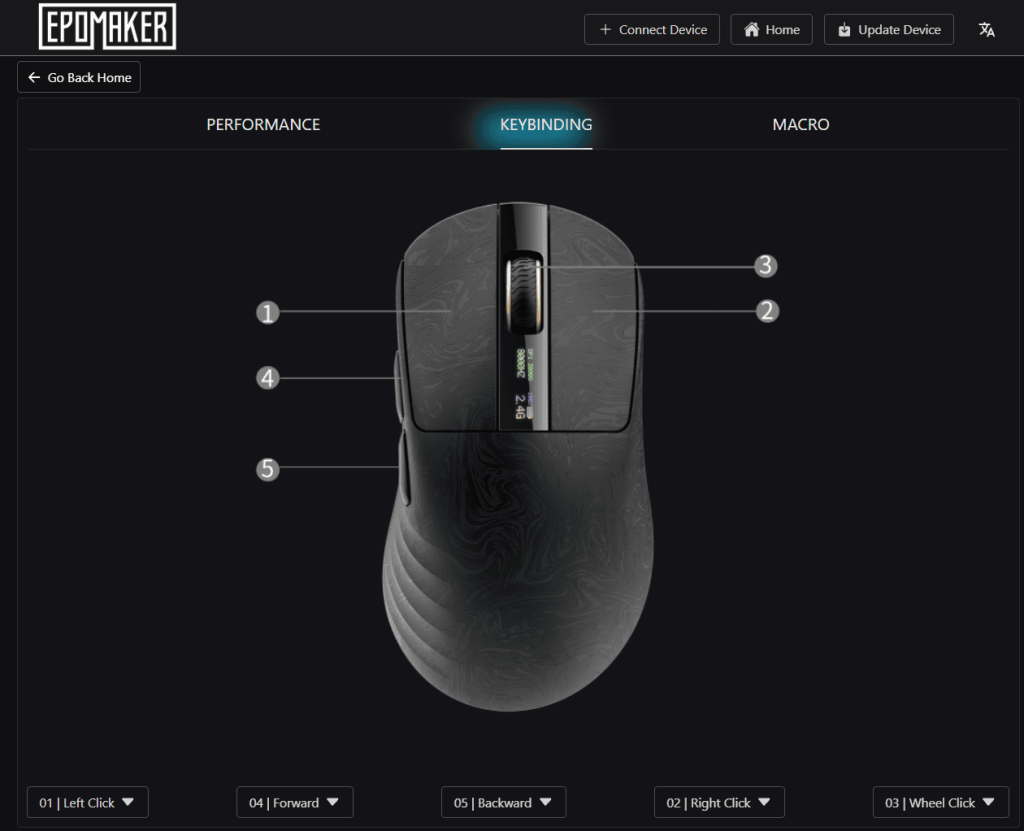

The placement of the DPI button is another aspect where my usual preferences come into play. I prefer one or two dedicated buttons that are easy to access for changing the DPI on the fly. While you can change it by holding down two buttons, this method isn’t practical for quick adjustments. I managed to assign the side buttons to change DPI, but this limited my ability to use them for other functions, like weapon swapping in-game. It wasn’t a huge issue, but for my typical gaming needs, it wasn’t designed in the way I would have preferred.
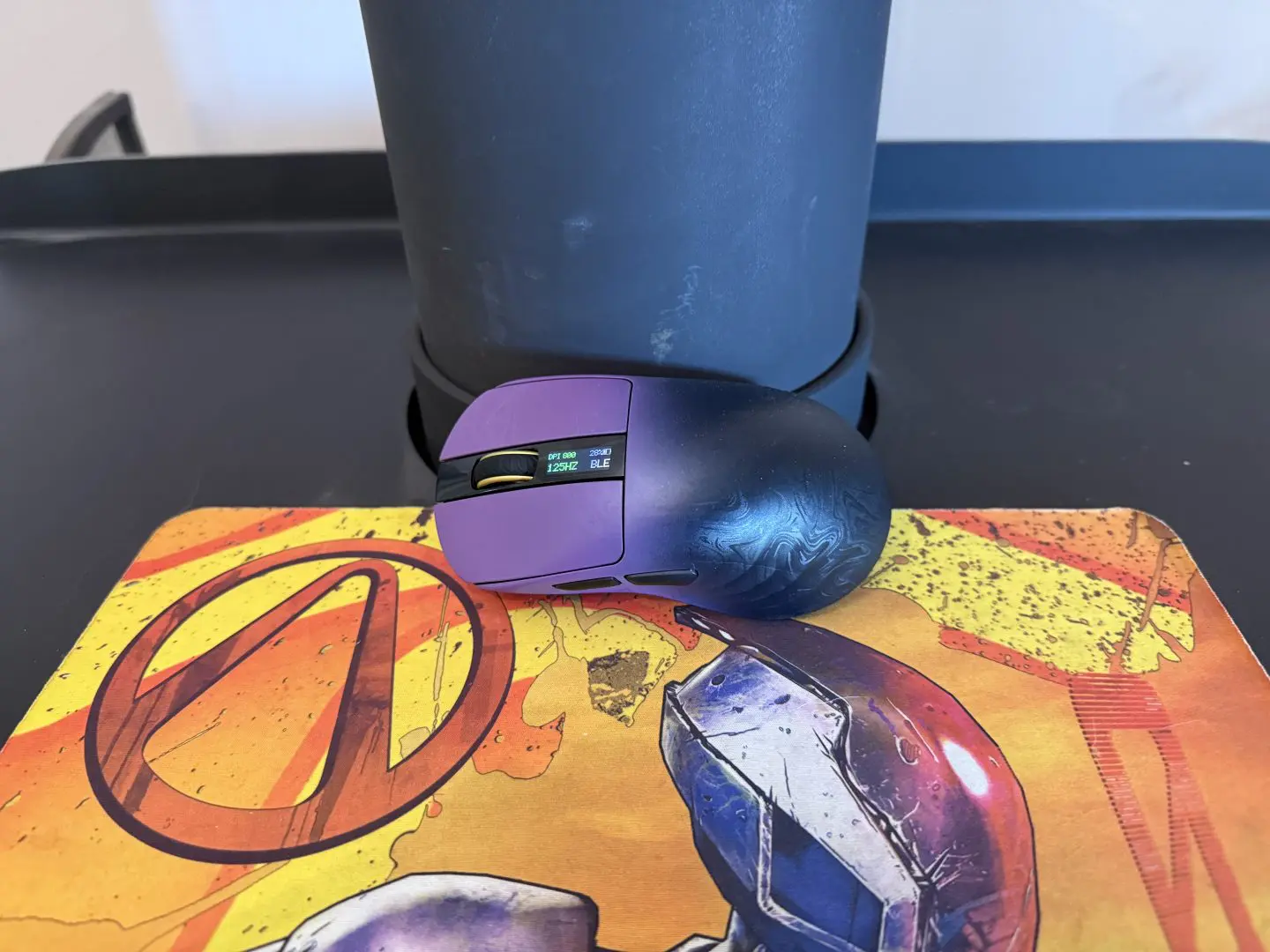
On the positive side, the display screen on top was most handy, as it displayed multiple forms of information. Where other mice have a simple LED light to indicate the battery status, the small screen gives a decent battery indication. This made it easier to plan beforehand how the mouse would be connected. The screen also showed items such as current DPI and connection status. These details being indicated on the mouse made for a useful addition, and I used it regularly.
During my time with the mouse, I found the approximate thirty-five hours of battery life to be true; I was often only thinking about charging around the thirty-four-hour mark and never had it run out during a session. This was tested both as a daily mouse and as a gaming mouse.


The Carbonis mouse by Epomaker has truly impressed me during my time with it. As someone who values a high-quality wireless mouse, this device ticks almost all the boxes on my list of preferences. Although it may not take the spot as my primary mouse, it has seamlessly integrated into my setup, serving admirably with both my Steam Machine in the living room and my other devices, thanks to its versatile connectivity options.
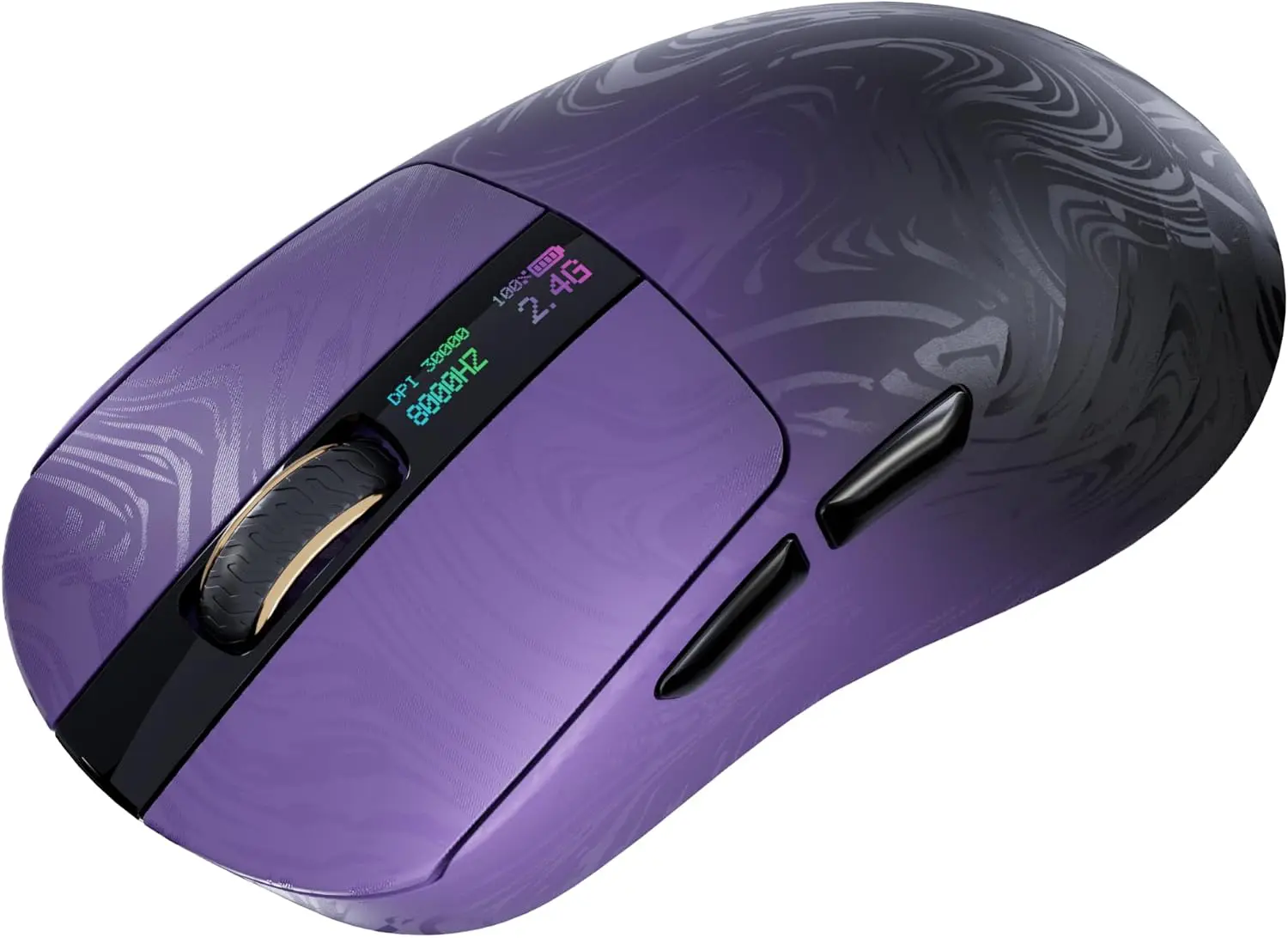
The mouse features a robust build that feels surprisingly lightweight in hand, which is perfect for on-the-go use. Its clicks are not just satisfying but also provide reassuring tactile feedback that enhances the overall experience. The integrated display is a thoughtful addition, making it easy to check the mouse’s status at a glance.
However, I do find the placement of the DPI switch a bit perplexing; it feels counterintuitive, even though it operates flawlessly. Overall, the Carbonis mouse is a fantastic choice for those who appreciate a minimalist design combined with functionality, making it an excellent addition for anyone seeking a reliable and aesthetically pleasing peripheral.
A review unit was supplied for the purpose of this review. Read our Ethics Policy.
Lightweight and Versatile: Epomaker Carbonis Mouse Review
The Carbonis mouse by Epomaker has truly impressed me during my time with it.

Jacob Hegarty
I enjoy games, and spending time with my pets, I also love drawing, painting, and being creative.
MORE FROM JACOB HEGARTY →


Comments