
Maker: PlayStation
Compatible with: DualShock 4 controller
Price: $49 RRP
Time with gear: ~25 hours
What is it? The DUALSHOCK 4 Back Button Attachment adds two programmable rear buttons to give you more versatility and performance while maintaining the comfort and feel of the DualShock 4 wireless controller.
One of the biggest hardware shifts this generation hasn’t been the console boxes themselves or the GPUs in your PC, but the controllers. The Xbox One Elite Controller was a massive success and opened a world of options to players who’d never considered them before. Sony hasn’t followed suit with its own “Elite” controller (despite PlayStation owners wishing they would). Instead, they’ve licensed out to third parties, taken a kickback, and watched others experiment with various systems and controllers.
The PS Back Button was released on 14 February and I spoiled myself with a little Valentine’s Day present. I’ve used it a lot since and think it’s a solid bit of kit. Do note: my review comes from understanding why people want an “elite” controller, but I’ve spent limited time with one and don’t own one (yet).
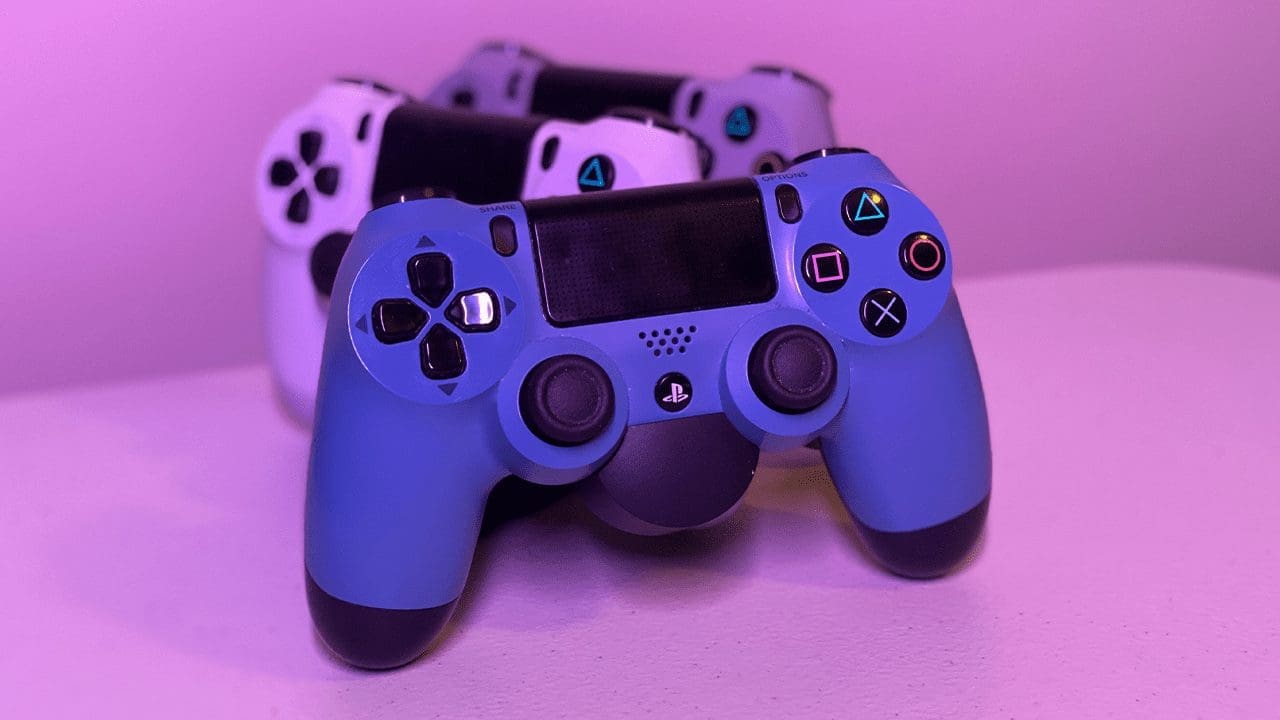
The PS Back Button plugs into the bottom of your DualShock 4 and cleanly adds two rear buttons. You can map them to any button or trigger on the controller, though mapping face buttons often makes the most sense.

Photograph by author
I spent most of my time testing the PS Back Button in Apex Legends, mapping one paddle to Triangle and the other to Circle. Being able to crouch/slide/swap weapons without taking thumbs off the sticks was a genuine game-changer for me in a short time.
Other fast wins: Kingdom Hearts III casting, Sekiro dodging, COD melee/sprint, Gran Turismo gear changes. Loads of games benefit — it’s up to you to pick the mappings.
Whatever you map, the buttons feel great and responsive. They aren’t triggers; they feel like crisp, tiny mouse clicks. Thanks to the sculpt, your fingers naturally rest in the grooves comfortably.
Note: each paddle can only be mapped to a single button (no multi-binds). I’m fine with that — anything more starts straying into unfair advantage territory.
The PS Back Button features three customisable profiles. Setup is easy, though there are a few UX tweaks I’d love.

Photograph by author
To adjust profiles or mappings, you flip the controller and tap the base to light the OLED screen. Creating a profile is simple: hold the centre button for two seconds, press each paddle to cycle choices and select, then save. It takes under 30 seconds to get going out of the box. Still, I wish the screen was on the front edge so you could check profiles without turning the controller. Also, if you click past the button you want, you need to cycle through all 16 options again — a little tedious.
I haven’t noticed any change in DualShock battery life. The OLED only lights for a couple of seconds and then goes blank, so screen drain isn’t a concern.
The unit is plastic and adds a touch of weight, but not enough to affect comfort. The added bulk means a connected headset plug protrudes a bit further; if you hold the controller close to your body (as I do), that can be mildly annoying. With rumours the PS5 controller would be heavier, this attachment could be a sign of built-in paddles to come — which I’d welcome.