
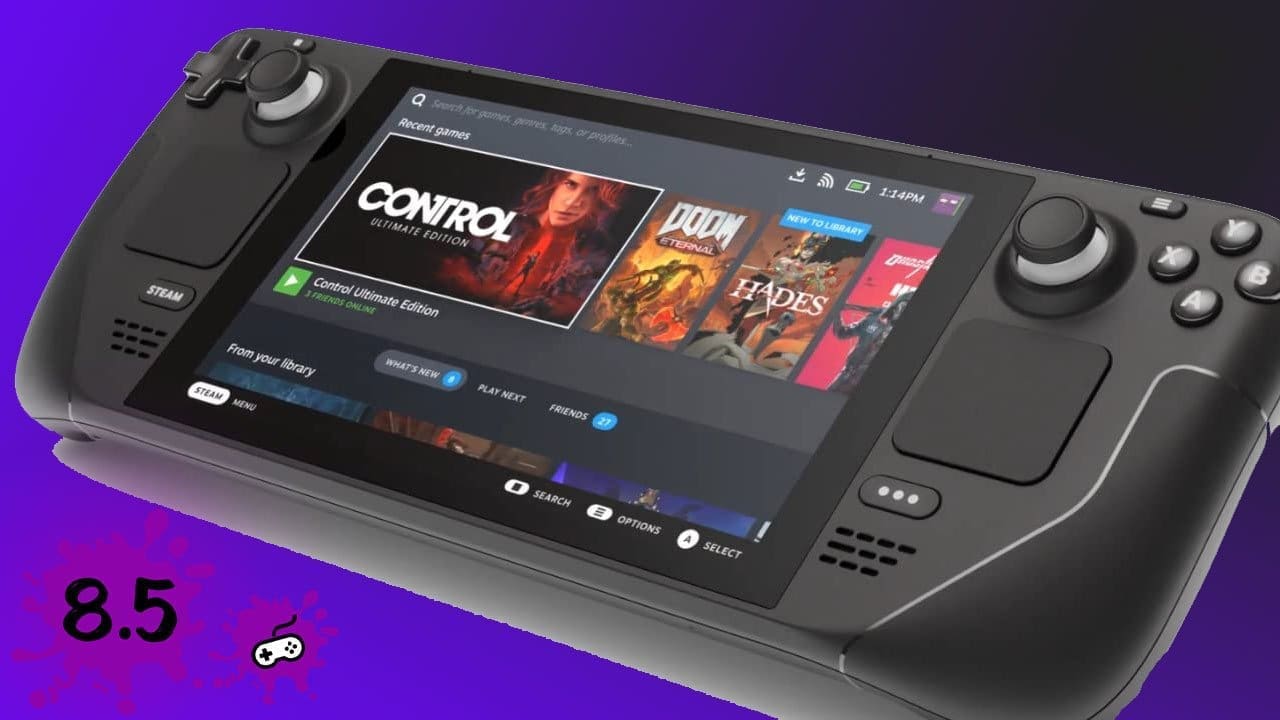
Steam Deck (512GB) — Review
- Product Manufacturer: Valve Corp
- What Is It? Handheld gaming console
- Screen Type: IPS LCD
- Model Reviewed: 512GB Steam Deck
- Estimated Time With Gear: 5 months
- Price (AU RRP guide): 64GB $840–$860 • 256GB $999–$1080 • 512GB $1107–$1240
Story & Buying Experience
After seeing a ton of people enjoying the Steam Deck overseas, I decided I wanted in. Being in Australia meant getting creative: Facebook Marketplace prices were too high; package forwarders looked like a hassle. I ultimately nabbed a lightly used unit on eBay after the winning bidder backed out—cheaper than an AYA Neo 2021 import and still under the prices at Kogan/Dick Smith/Catch at the time.
The seller shipped quickly and the 512GB model arrived with its carry case, a US USB-C charger, and a small charger pouch. A few cables later I was charging up, joining Wi-Fi, and logging into Steam.
Specifications
Processor
- AMD APU
- CPU: Zen 2, 4c/8t, 2.4–3.5GHz (up to 448 GFLOPS FP32)
- GPU: 8 RDNA 2 CUs, 1.0–1.6GHz (up to 1.6 TFLOPS FP32)
- APU power: 4–15W
Memory
- 16GB LPDDR5 (5500 MT/s, quad 32-bit channels)
Storage Options
- 64GB eMMC (PCIe Gen 2 x1)
- 256GB NVMe SSD (PCIe Gen 3 x4 or x2*)
- 512GB high-speed NVMe SSD (PCIe Gen 3 x4 or x2*)
Controls & Input
- ABXY, D-pad, L/R bumpers & analog triggers
- Two full-size clickable thumbsticks (capacitive)
- View & Menu buttons; 4 assignable rear grip buttons
- Two 32.5mm square trackpads with haptics (55% lower latency vs Steam Controller; adjustable click force)
- 6-axis IMU (gyro)
- HD haptics
Display
- 7″ optically bonded IPS LCD, touch-enabled
- 1280 × 800 (16:10), 60Hz, ~400 nits
- Ambient light sensor
Connectivity
- Dual-band Wi-Fi (2×2 802.11a/b/g/n/ac, 2.4 & 5GHz)
- Bluetooth 5.0 (controllers, accessories, audio)
Audio
- Stereo speakers with embedded DSP
- Dual mic array
- 3.5mm headset jack
- Multichannel audio via USB-C/DisplayPort/Bluetooth
Power
- 45W USB-C PD 3.0 power supply
- 40Wh battery (roughly 2–8 hours depending on game)
Expansion
- microSD (UHS-I; SD/SDXC/SDHC)
External I/O
- USB-C with DisplayPort 1.4 Alt-mode up to 8K@60 or 4K@120; USB 3.2 Gen 2
Size & Weight
- 298 × 117 × 49 mm
- ~669 g
Software
- SteamOS 3.0 (Arch-based)
- KDE Plasma desktop mode
Setup, Games & First Impressions
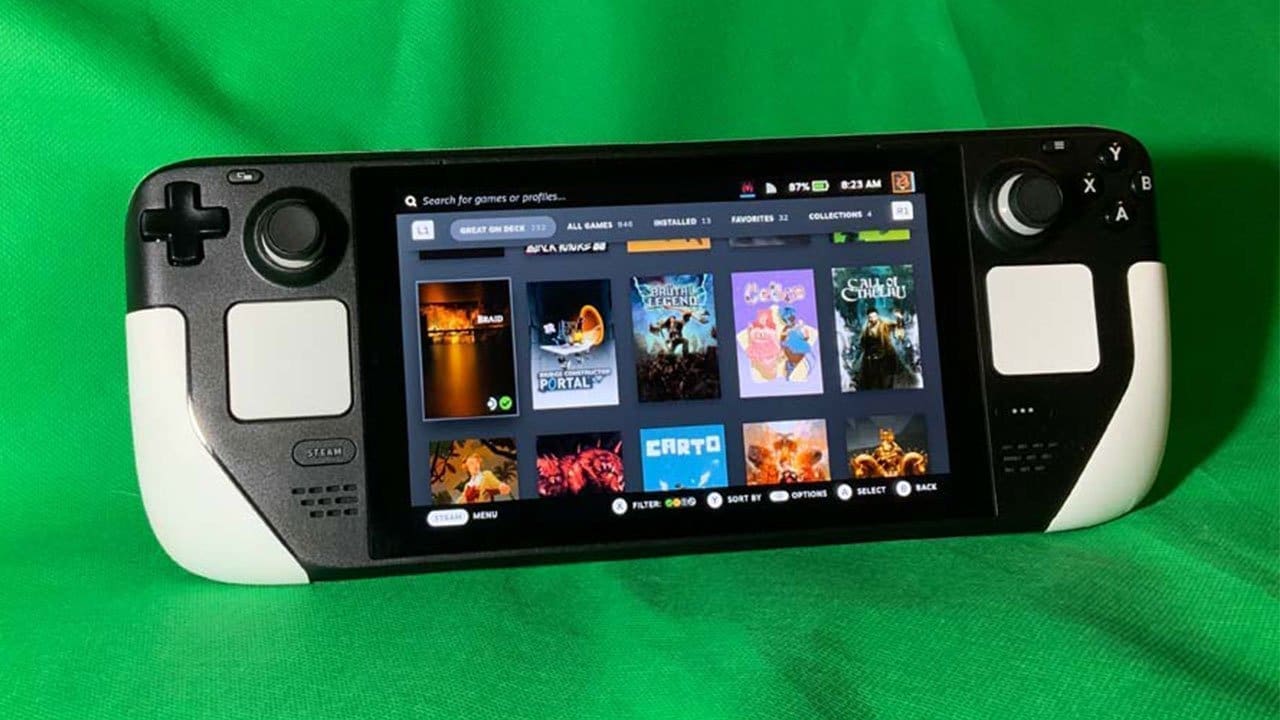
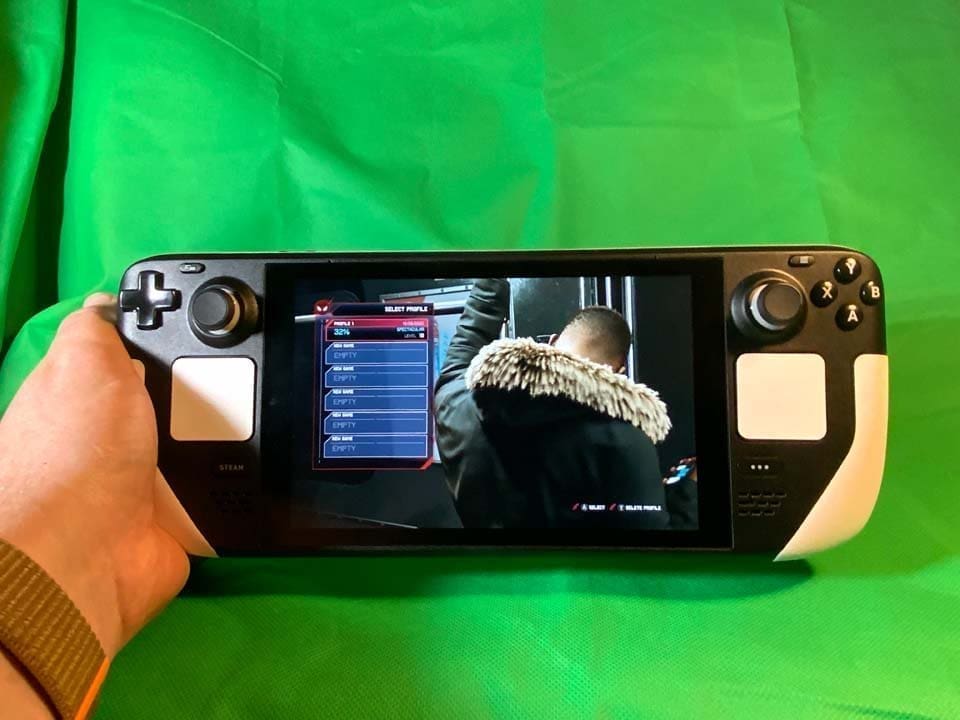
Steam’s “Great on Deck” library tab made it easy to start with verified titles, though plenty of “Playable” or community-tested games also ran fine. First boot was Rogue Legacy 2—perfect to learn the controls and weight. I then rotated through Control, God of War, Spider-Man Remastered, Miles Morales, Dead Cells, Katana Zero, and Cult of the Lamb. Cloud saves were seamless; most titles worked out-of-the-box, with a little tweaking for the two Spider-Man games and God of War to dial in smoothness.
I reached out to JSAUX for a mod case, cooling fan, screen protectors, and a replacement backplate (see our separate accessories review). Until that arrived, the Deck was mostly a home unit. Skins turned my device into a “reverse panda”—white trackpads/top/rear, default elsewhere. The JSAUX Mod Case made it bag-friendly and protected the sticks with a snap-on cover.
Performance, Screen & UX
Quick suspend/resume makes it feel like a premium Switch. Speakers are loud (bring headphones in public). The 512GB anti-glare screen helps outdoors; occasionally small UI text can be a strain. With FSR improvements, I tend to target a very stable 40fps in many titles. The 60Hz panel is there when games can hold it, but 40fps is the sweet spot for battery and smoothness.
Desktop Mode & Mods
It’s a tiny Linux PC: plug in a display/keyboard/mouse, or hop into KDE Plasma for apps via the Discover store (productivity, media, emulators, etc.). I used it to install Decky Loader (for in-game utilities) and Desky, plus tinkered with Space Cadet Pinball. Switching back to Game Mode is a single click and reboot.

Extensions I’m using include:
- Animation Changer (random boot/sleep animations)
- VibrantDeck (color tweaks)
- Controller Tools (easier Bluetooth pairing)
- Network Info (quick connection checks)
- CSS Loader (library UI themes) + HowLongToBeat panel
Verdict
Should you buy a Steam Deck in Australia right now? It’s complicated by availability and import cost. I don’t regret it—it does things my laptop won’t, chiefly instant sleep/wake and frictionless “pick up and play.” Not every game works and battery life varies wildly, but it’s changed how I play. I now carry it daily (plus an extra charger, admittedly).
For tinkerers and enthusiasts, it’s a dream. For average consumers, the price and learning curve might be steep, but as a “do-all” handheld PC, it’s hugely capable and regularly improving with Valve’s updates. The handheld market feels refreshed—and the Deck is a big reason why.