
How To Use iOS Remote Play App + Dualshock 4
by Dylan Blight
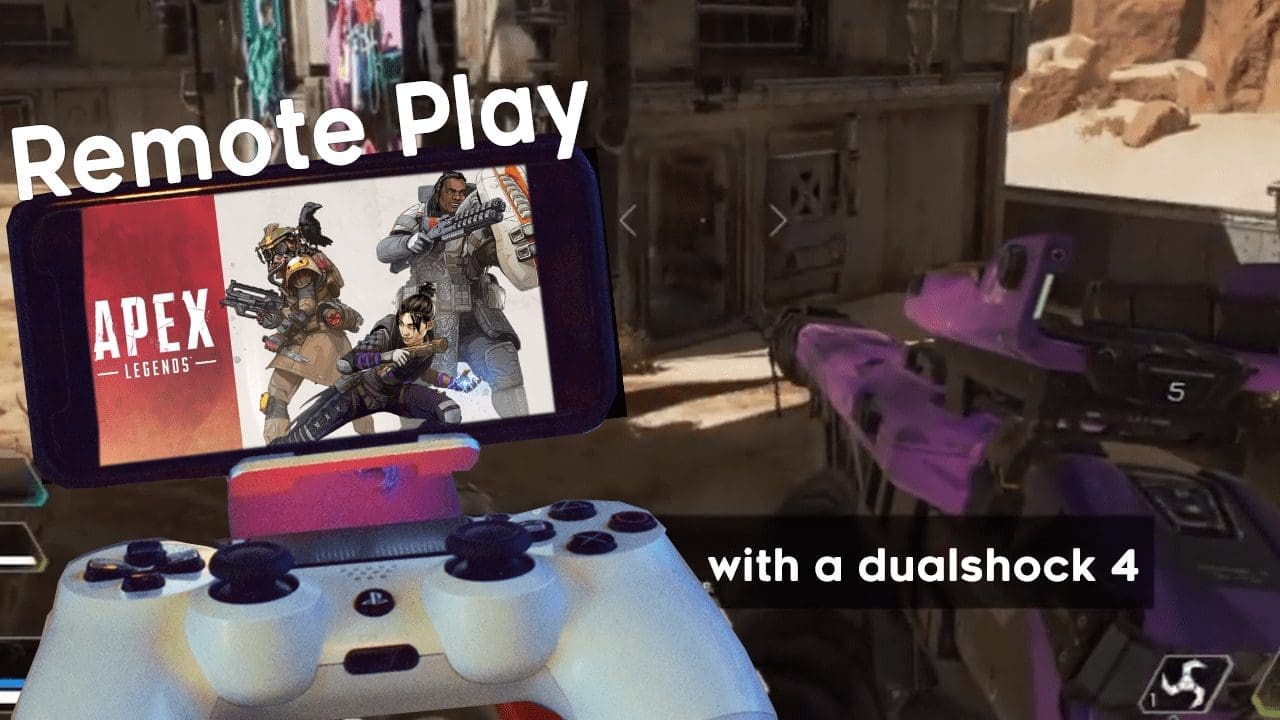
Last week Sony released the Remote Play App for iOS that lets you play your PS4 games on your iPhone or iPad. The only downfall to this (apart from some slight connection issues, of course) is that you have to use an on-screen touch control layout. You can’t sync your PS4 controller directly to your iPhone or iPad, but a workaround has been found to allow you to play your PS4 games with a DualShock 4 on your iOS device.
I hope this guide helps. I saw a lot of people trying to explain how to do this in various YouTube comment sections and it was confusing, so this should be easier to follow.
Let me walk you through this step-by-step.
Step 1.) Make A Second Account
If you already have a second account on your PlayStation 4, good — you’ll need it. If you don’t, you must create one. Grab another email address and make a secondary PSN and profile on your PlayStation. And yes, a full PSN account is required — a guest account will not work.
Step 2.) Sign On To That Secondary Account And Connect
Sign in to the secondary account on your PlayStation 4 and connect it to the iOS Remote Play App by signing into that account there as well. If you were already signed into your main account on the app, you must sign out and log in with the new account.
Step 3.) The Fun Part, Using Your DualShock 4
Press the PS Button on your DualShock 4 and assign its profile as your main account. If you try to assign the controller to the secondary account that’s currently logged in on PS4 and Remote Play, you’ll get logged out of the app. Make sure you click your main profile instead.
It may take a few seconds, but once it does you’ll be able to press the PS Button again to switch profiles on your console over to your main account. Voilà — you are now able to play games on the iOS app using your DualShock 4 controller.
You’ll notice only the DualShock 4 will work (the touch-screen controls won’t) because the app has that “controller” assigned to your secondary profile. It’s no different than logging into two separate accounts on your PS4 with two controllers.
Playing Apex Legends on a tiny screen, controller or not, is still very hard. Have fun though.
More Articles
- The ST. ALi Italian Film Festival returns to cinemas — we spoke to Festival Director Elysia Zeccola (Sep 19, 2023)
- MTG: Wilds of Eldraine is a fairy tale with both terrifying and adorable creatures (Sep 14, 2023)
- WDYWW 2023 Fantasy Movie Game Mid-Year Draft (Jul 26, 2023)
- [CLOSED] Talk To Me — Double Pass Giveaway (Jul 19, 2023)
- Gunbrella Preview — 2023’s best game title, and a shortlist for most anticipated indie (Jul 19, 2023)
- 10 Films To Check Out at Melbourne Documentary Film Festival 2023 (Jul 12, 2023)
- MTG: The Lord of The Rings — Tales of Middle-Earth makes you feel like you’re playing a new TCG (Jun 28, 2023)
- [CLOSED] The New Boy — Double Pass Giveaway (Jun 27, 2023)
- [CLOSED] You Hurt My Feelings — Double Pass Giveaway (May 29, 2023)
- [CLOSED] Sweet As — Double Pass Giveaway (May 27, 2023)
- 20 Predictions For PlayStation’s 2023 Showcase (May 24, 2023)
- After Us Preview — Rescuing the souls of animals on a dystopian Earth (May 3, 2023)