Product Manufacturer: SteelSeries
Price: $399 RRP
Estimated Time With Gear: 25+ hours
What Is It? 60% gaming keyboard
Compatible With: PC, Mac, Xbox, PlayStation
The Apex Pro Mini from SteelSeries is expensive, luxurious and well worth the price tag if you’re primarily using it for gaming. As a 50/50 keyboard for gaming and everyday use, it’s a pain to live with, and I wouldn’t recommend it unless gaming is your main PC use.
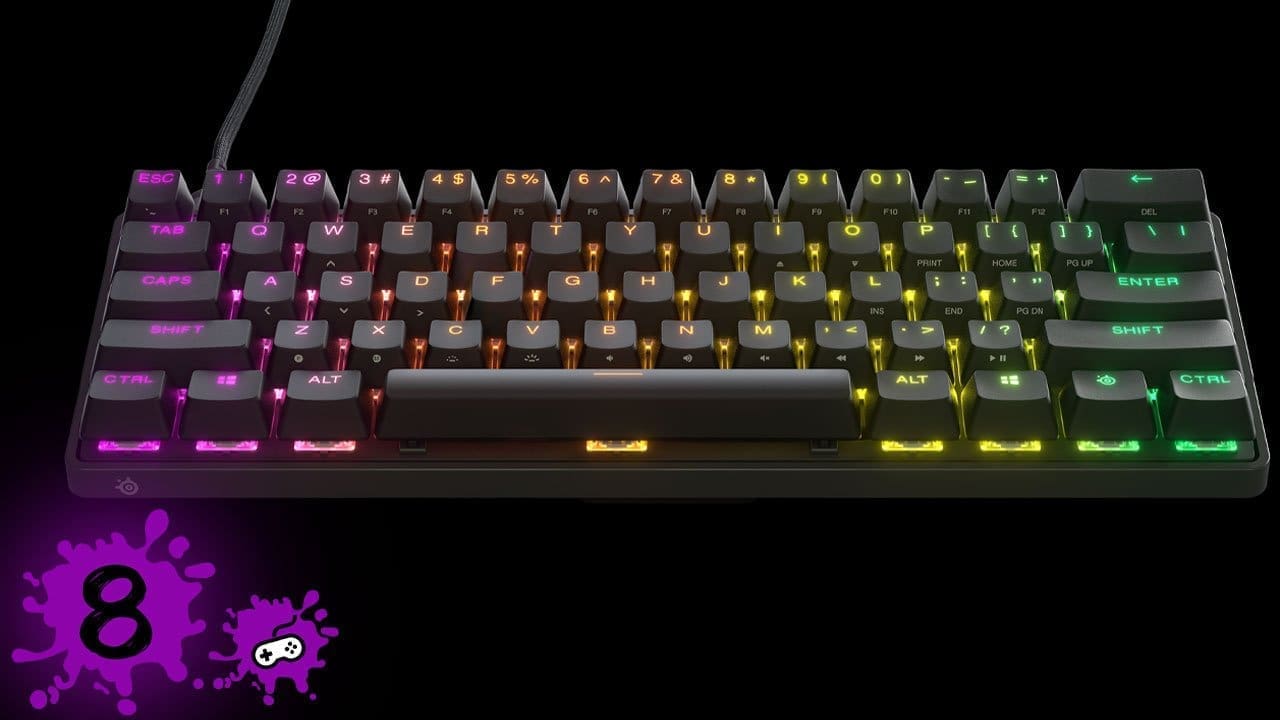
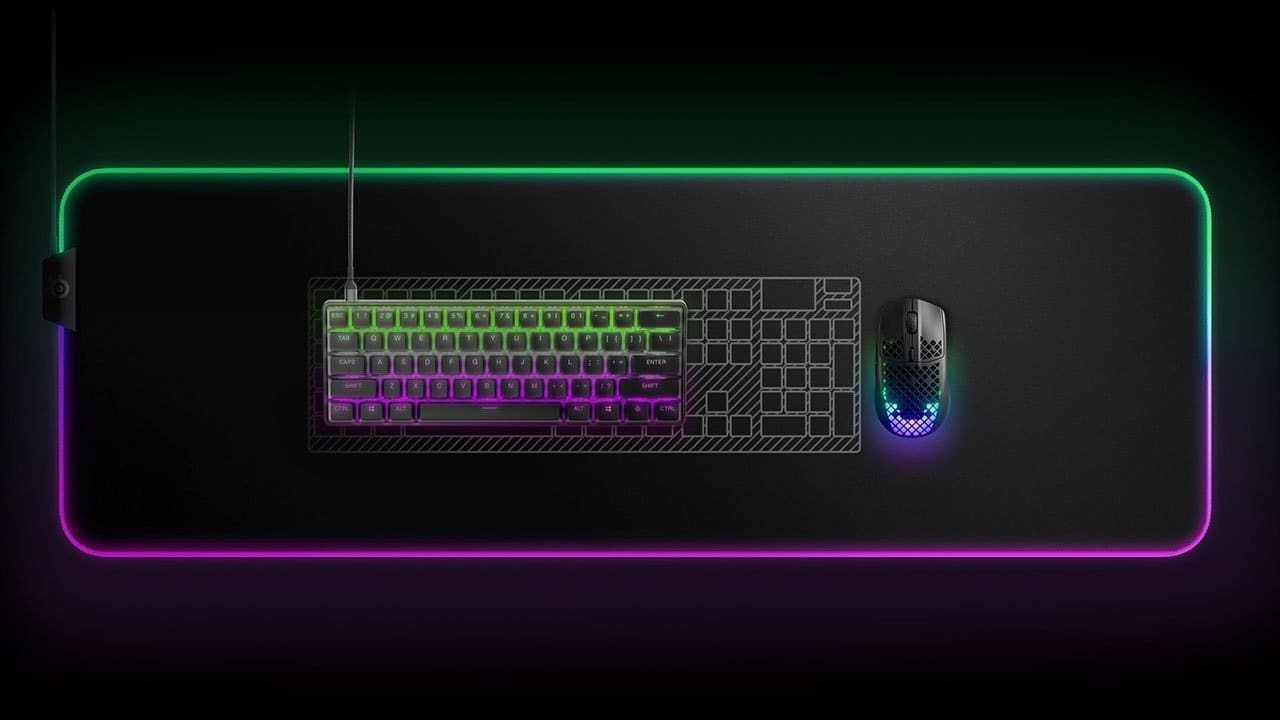
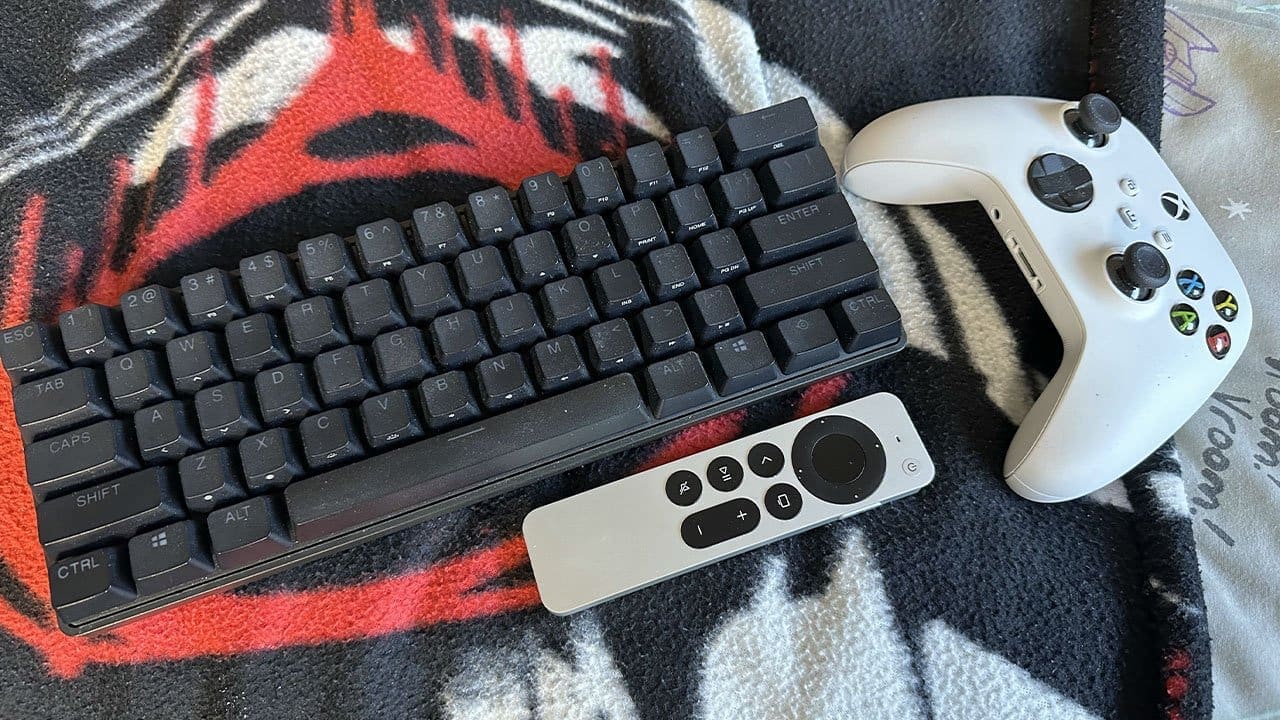
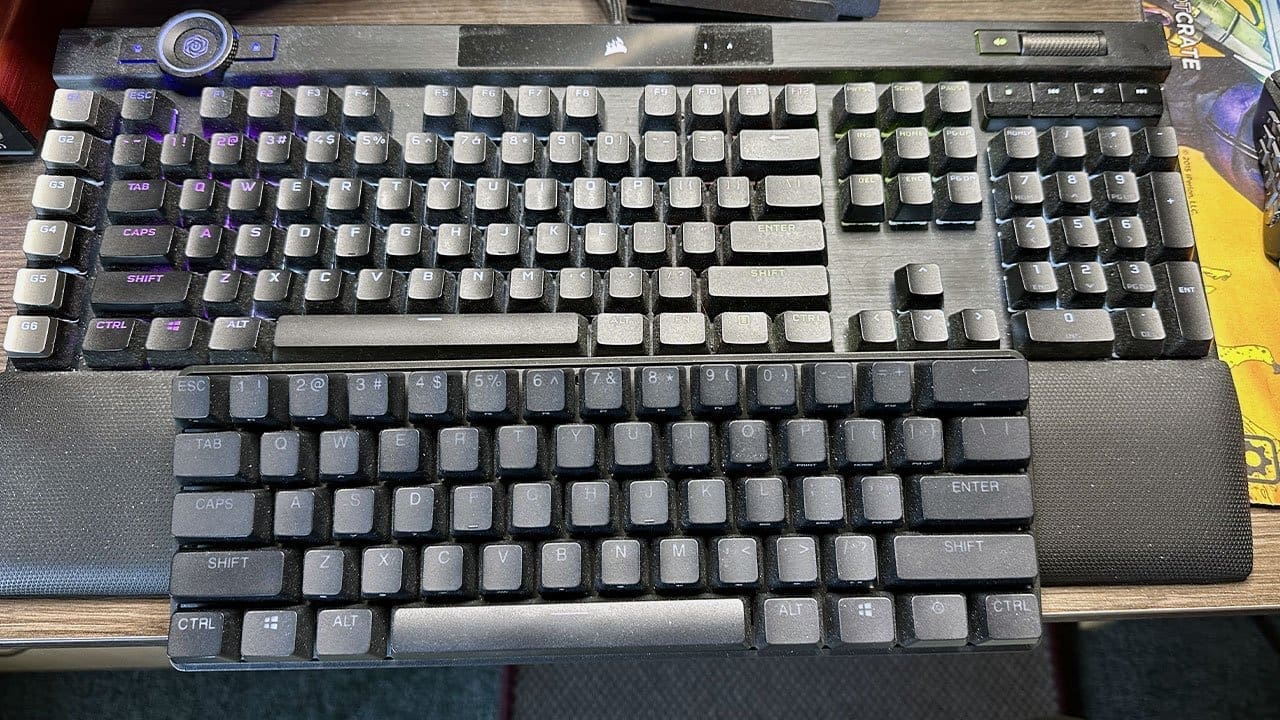
As a 60% (tenkeyless) board, the Apex Pro Mini sits on a desk looking rather cute. The form factor instantly frees up space on my already cluttered desk. The detachable USB-A to USB-C cable makes transport simple and setup easy on any desk. And while looks can deceive, this small keyboard hides some of the most advanced tech I’ve used in a gaming keyboard.
Technical Specs
- Key Switches: OmniPoint Adjustable Mechanical Switches
- Switch Rating: Guaranteed 100 million presses
- On-board Memory: 5 custom profiles
- Processor: 32-bit ARM
- Adjustable Actuation Points: 0.3 – 3.8 mm
- Connection: Detachable USB Type-C
- Width: 293 mm / 11.53 in
- Depth: 103 mm / 4.02 in
- Height: 40.3 mm / 1.59 in
- Weight: 610 g / 1.34 lbs
- Height Adjustment: Rubber tri-level feet
- Lighting: Per-key RGB illumination
One thing keyboards struggle to match compared to a controller is the tactile precision of an analog stick. However, with OmniPoint 2.0 switches, the Apex Pro Mini gets closer than ever. You can set registration anywhere between 0.3 mm and 3.8 mm — and even assign different actions to the initial and deeper press. That means a light press can be “walk,” while a full press becomes “run.” For fighters, a feather-touch 0.3 mm makes all the difference; for strategy/RPGs, cranking up to 3.8 mm helps avoid accidental inputs.
These features are fantastic in games (and fully customizable in SteelSeries GG), but they can be frustrating day-to-day — like, say, typing this review. Arrow keys live as a secondary layer under WASD, so you’ll be holding the FN/SteelSeries key while reaching across the board, which isn’t exactly ergonomic. During long typing sessions my wrists started to ache. That’s not a knock on the keyboard’s design focus — it isn’t built for writers — but it’s worth noting if you want one board for both work and play.
What’s In The Box?
- Apex Pro Mini Gaming Keyboard
- Apex Pro Mini Product Information Guide
- USB-C to USB-A cable
- Keycap puller
- Product information guide
The build quality is excellent. Despite minimal packaging, the board’s 610 g heft inspires confidence, and it feels like it would take real effort to damage. I’d happily toss it in a bag for a LAN or esports event. Legends are clean and each key clearly marks its secondary function.
SteelSeries GG is where the magic happens: adjust actuation per key, set dual-binds, tune polling, and customize RGB (or turn it off entirely). As with other SteelSeries gear, installing GG is a must-do.
From unboxing to plugging in, the SteelSeries Apex Pro Mini is as straightforward as SteelSeries gets — clearly aimed at hardcore PC gamers. The luxe extras are skipped because the product stands on its own. As a tournament-ready 60% keyboard, it’s fantastic and easy to recommend to competitive players. As a daily driver for lots of typing? Not so much.

(A review unit was supplied for the purposes of this review)